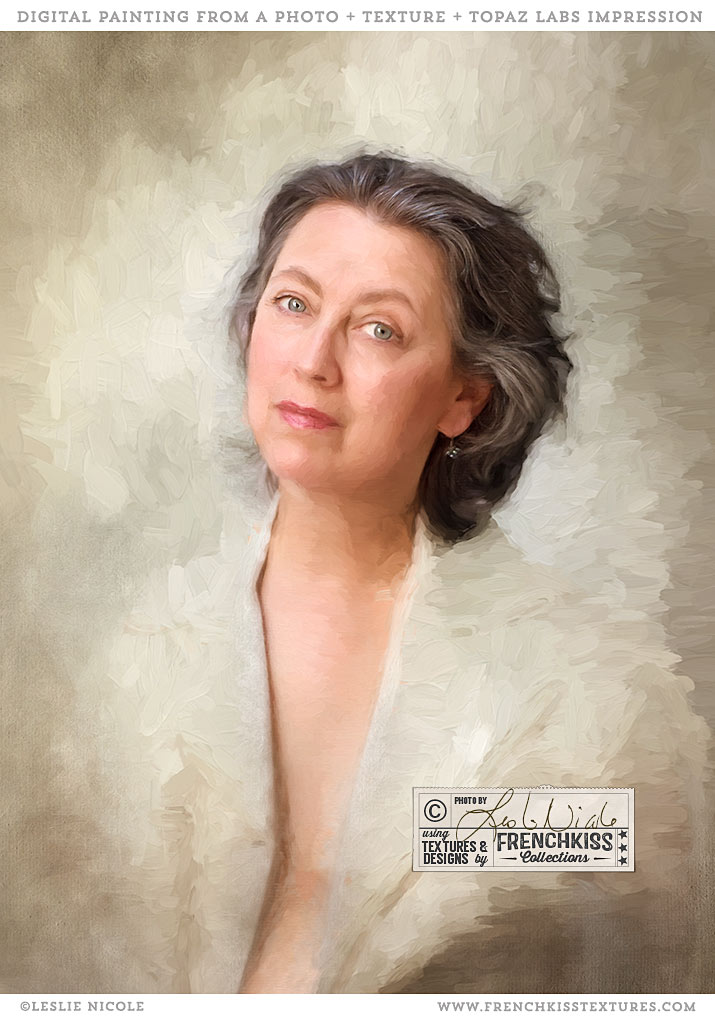
by Leslie Nicole | Sep 29, 2017 | Before & After, Inspiration, Photoshop, Using Textures
Here is a self-portrait I did with textures added and then finished with the *Topaz Labs Impression painterly filter. Original Photograph And Textures Self portrait photograph: (taken in 2014) taken with my Canon EOS 5D Mark III and the Canon 85mm f/1.2L lens. I did...
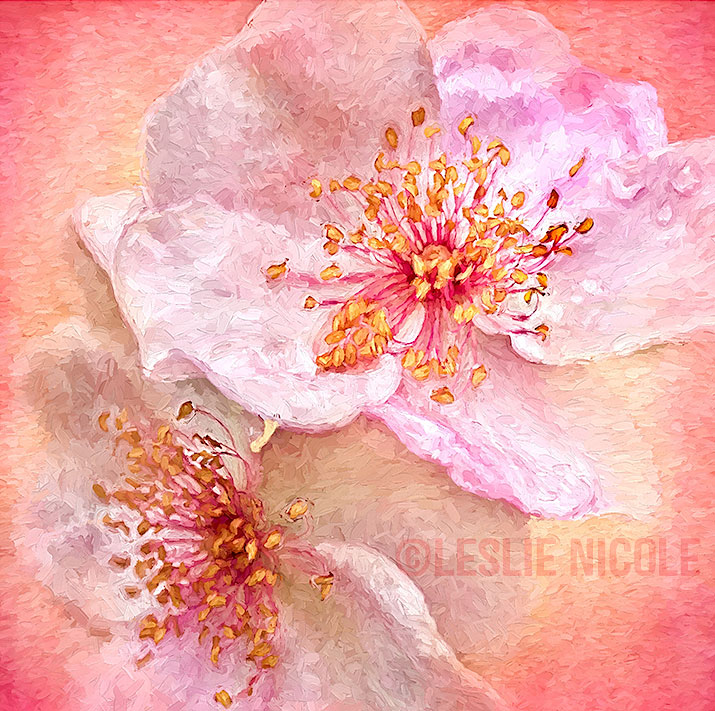
by Leslie Nicole | Sep 22, 2017 | Before & After, Inspiration, Photography, Photoshop, Using Textures
I love combining a photograph, a texture, and the Topaz Labs Impression Filter to create a digital painting. The Original Photograph Usually, when I create textured florals, they are photographed in the studio with a plain background which will make it easier to apply...
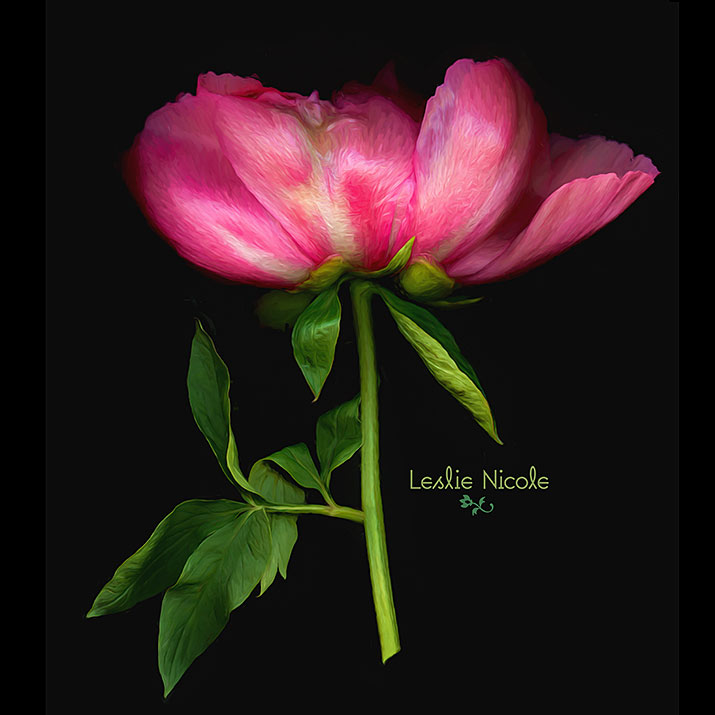
by Leslie Nicole | Jun 9, 2017 | Inspiration, Photography
I’m really loving the combination of scanned flowers and the *Topaz Labs Impression filter. Scanography I’ve dabbled off and on with scanography or scanner photography. I’ve gone back and forth between loving the combination of delicious detail with...
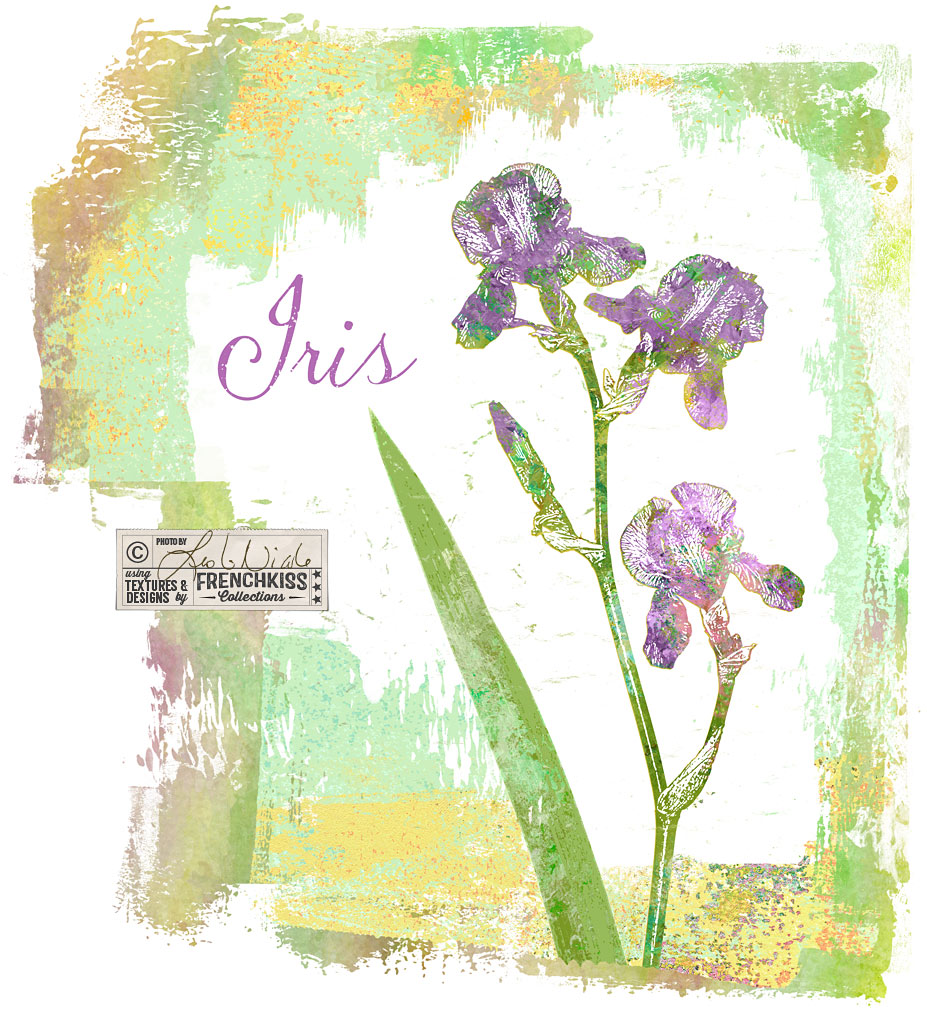
by Leslie Nicole | Jun 2, 2017 | Photoshop
In the last post where I showed you my Photoshop filter exploration on an iris photograph, one of my examples was using the Photoshop / Sketch / Stamp filter. In this post, I want to show you how I used that filter result with a texture to create a design element....
by Leslie Nicole | May 23, 2017 | Photoshop
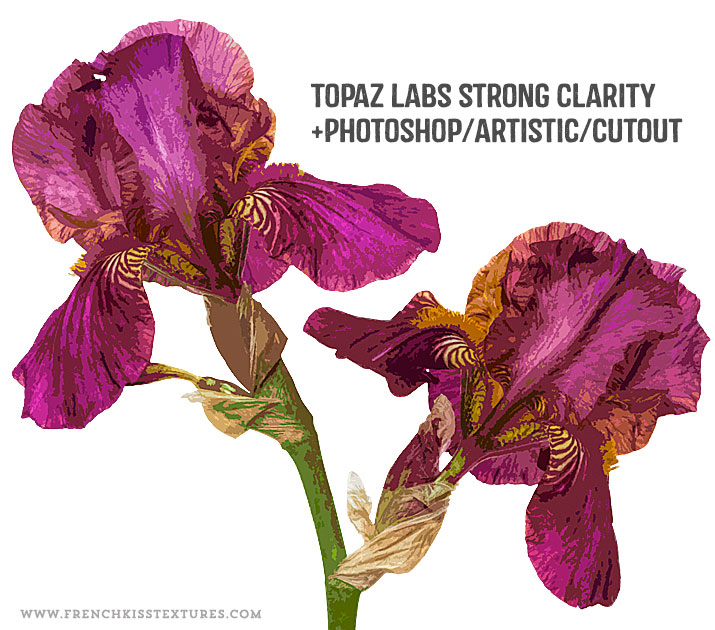
In the last post, I showed you my set up for photographing an iris flower intended for my designs. In this post, I share my creative Photoshop filter explorations. The Master File I’m not going to go into great detail on my master file preparation –...