by Leslie Nicole | Nov 21, 2014 | Before & After, Using Textures
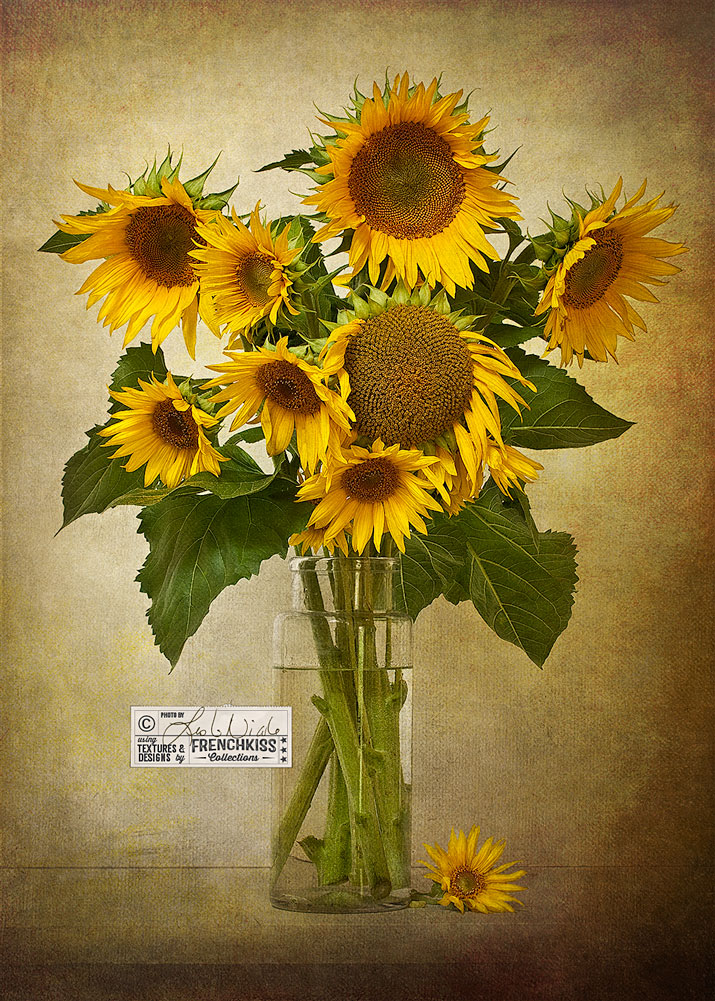
Here’s another image where I’ve used textures with a normal blend mode to “paint” in areas of a photograph. This is a half example/half tutorial. It is intermediate – advanced level and assumes you have basic Photoshop or Elements skills and a...
by Leslie Nicole | Oct 31, 2014 | Before & After
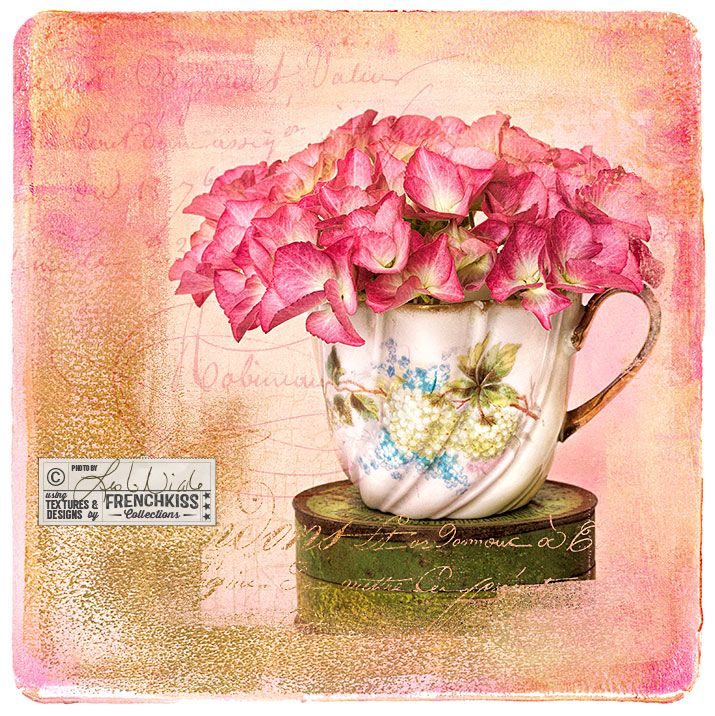
A photographic design that uses textures, vintage overlays, masks and brushes. Photograph © 2012 Leslie Nicole and design © 2014 by Leslie Nicole. The Original Image Hydrangeas from my garden in one of my vintage Limoges cups on one of my vintage tins. Photographed in...
by Leslie Nicole | Oct 31, 2014 | Using Overlays, Using Photo Masks, Using Textures
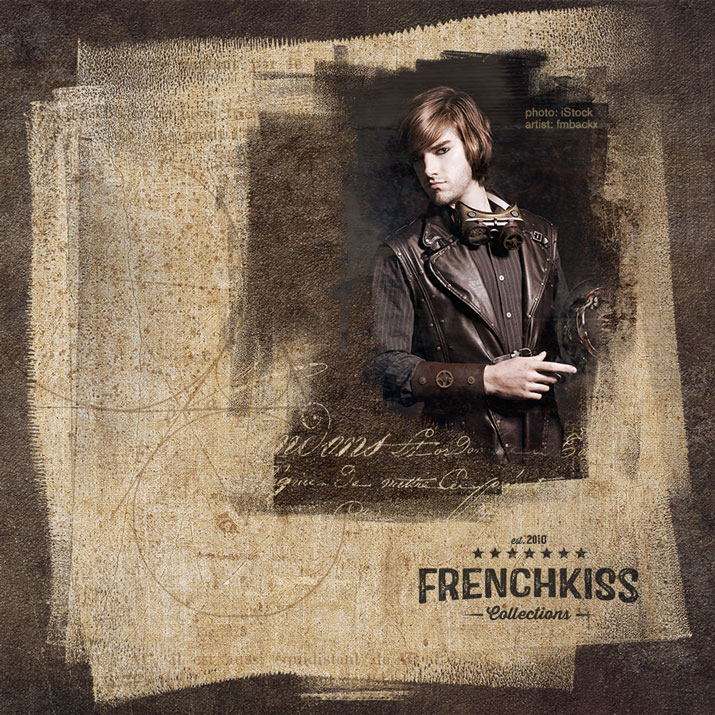
Here is an alternate design from the previous post, this time using textures with the masks. Using Masks With Textures In the quick design below, I’ve used 3 masks. One for the large background textured block, one for the textured block behind the photo, and one...
by Leslie Nicole | Sep 30, 2014 | Photoshop
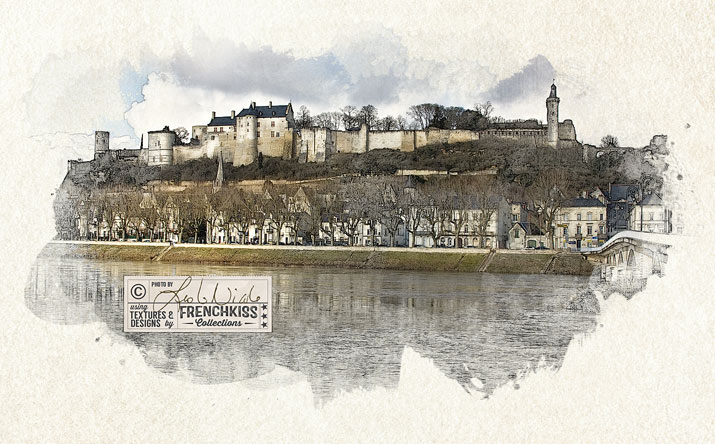
In this 4th and last part of the tutorial, we are going to put all the elements together to create our final photo illustration. The Components For The Illustration In part 1, I showed you how you will need 3 layers for the illustration. A Background Layer. Plain...
by Leslie Nicole | Sep 5, 2014 | Photoshop, Photoshop Brushes
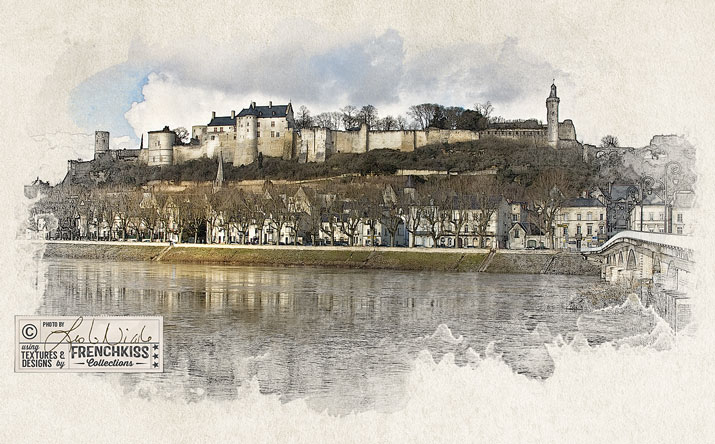
I’ve had a lot of requests for a tutorial on how I created this image of a French Castle that looks like it’s an illustration. A Tutorial In Four Parts While this technique is pretty simple, I wanted to cover a lot of the different options involved which...