by Leslie Nicole | Dec 6, 2012 | Using Textures, Video
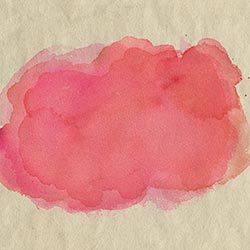
The French Kiss Collections Watercolor Spot Textures can be used as is, but when placing them on a colored background follow this technique I’ve developed called Enhanced Transparency. Download the e-book describing the technique in detail. It includes 2 other...
by Leslie Nicole | Dec 6, 2012 | Using Textures, Video
The French Kiss Collections Watercolor Spot Textures can be used as is, but when placing them on a colored background follow this technique I’ve developed called Enhanced Transparency. Note that in Part II, I include a link to an e-book describing the technique...
by Leslie Nicole | Sep 26, 2012 | Using Textures, Video
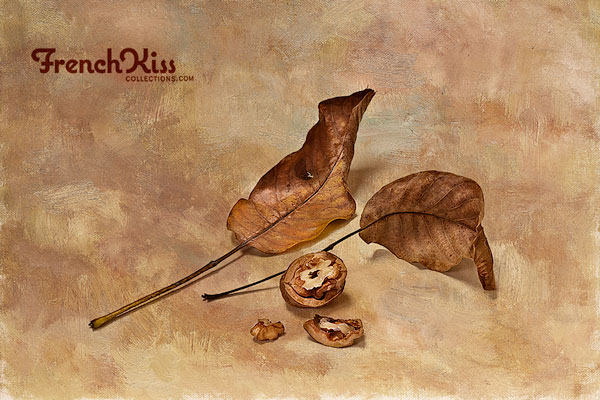
A Few tips for placing and resizing textures using the transform tool in Photoshop and Photoshop Elements. The text below follows the video pretty closely. Placing The Texture I like to use tabbed windows in Photoshop and drag the texture into my image file. (You can...
by Leslie Nicole | Jun 9, 2012 | Using Overlays, Video
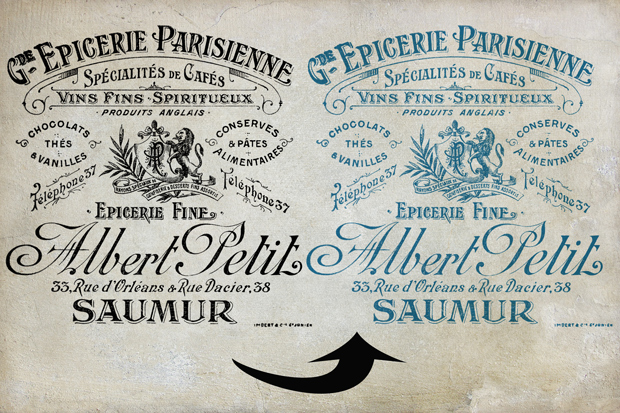
There are always multiple ways to do things in Photoshop and Photoshop Elements. This video goes over two methods for changing the color on files with transparency, like overlays. The Free Action referred to in the video is Here. The overlay in the video is part of...
by Leslie Nicole | Jun 8, 2012 | Using Templates, Video
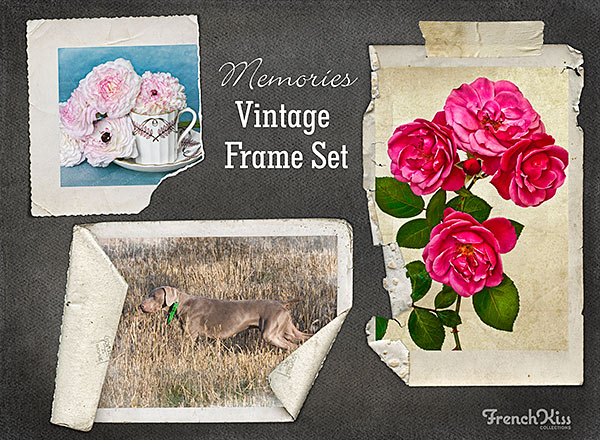
Video showing how to use the Memories Frame Set templates. Watch this quick video on using the layered digital vintage frames, texture and tape strip. Video is in Photoshop, but the same instructions work for Elements. (I tested it in Elements 10.) The layered tiff...
by Leslie Nicole | Jan 11, 2012 | Photoshop Brushes, Video
This video shows how easy it is to install, load and use a simple stamp brush like the script brushes. Update Later versions of Photoshop is a little different loading brushes. Instead of having “Load Brushes” from the brushes panel, it will say...