by Leslie Nicole | Mar 29, 2011 | Before & After
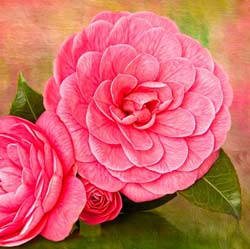
For a more detailed tutorial using Photoshop, click here The Original Image This is my original photograph with minimal processing done in Lightroom. Add a Texture Image with French Kiss Texture, Flower Garden. The Final Image With Filters Detailed Views Textured...
by Leslie Nicole | Mar 29, 2011 | Tutorials
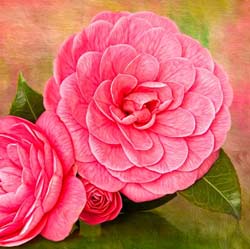
The quick view Before & After of this image is here This will be a more advanced demonstration using Photoshop CS5. I’m going to assume that you already know how to use layer masks, blend modes, adjustment layers and adjustment layers with clipping masks. If...