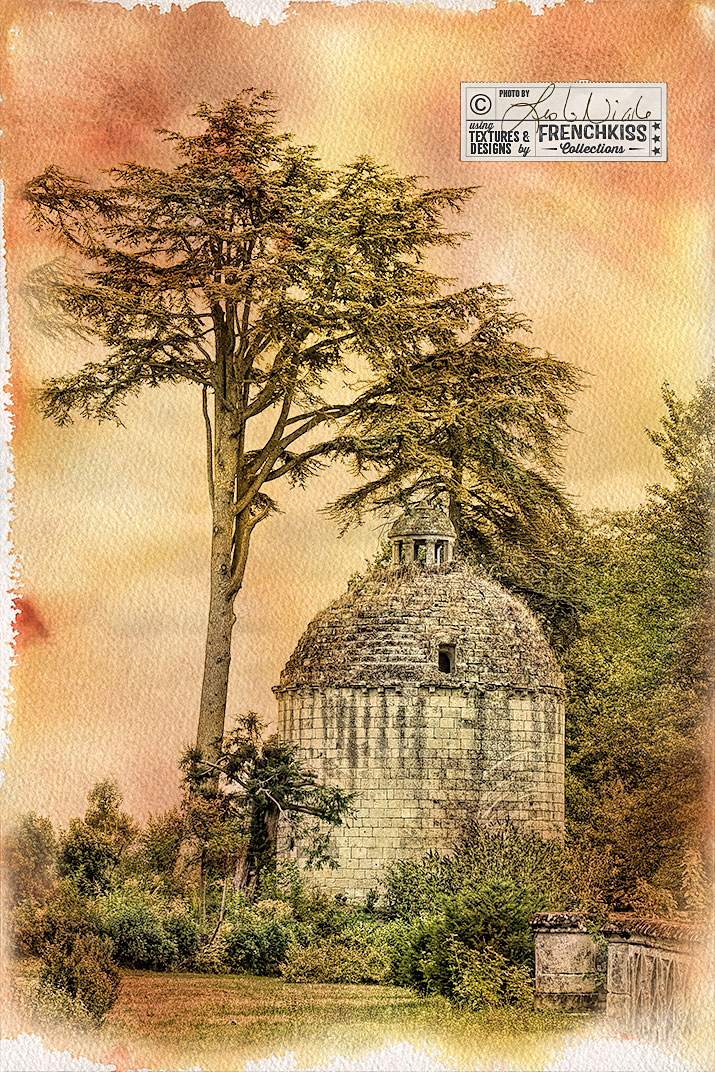
by Leslie Nicole | Oct 16, 2015 | Uncategorized, Using Textures
This photograph of a French tower was created with filters, selective desaturation, and the addition of a watercolor texture. Intermediate to advanced level tutorial. Processing The Photograph In the illustration above, the photograph on the left is my photograph with...
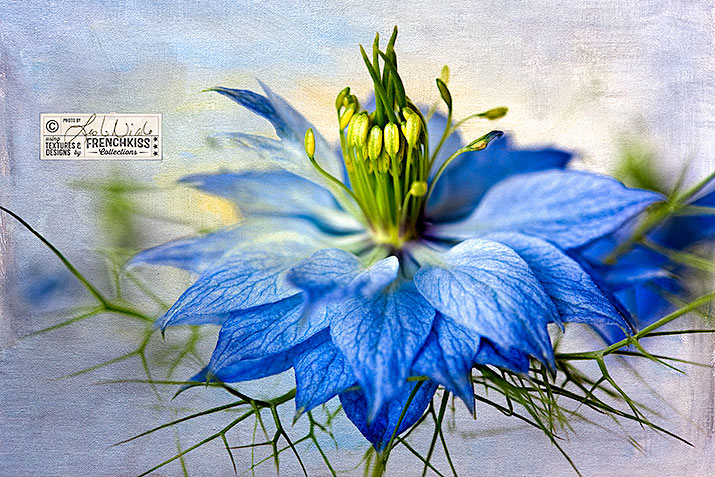
by Leslie Nicole | Aug 7, 2015 | Before & After, Using Textures
Quick texture example using a macro photo of a Love-in-a-Mist flower with a painterly texture. Easy Texture Recipe Example Here’s a really quick example of an easy textured flower. I photographed this Love-in-a-mist flower in my studio against a white...
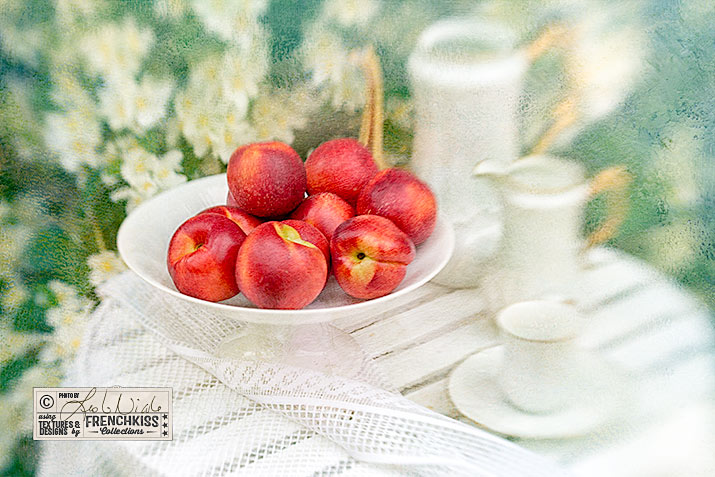
by Leslie Nicole | May 19, 2015 | Before & After, Using Textures
I had a request for the details on how I created this image with a Lensbaby image of nectarines in my courtyard with a texture effect. This is a glimpse into my workflow rather than a step-by-step guide. It is intermediate – advanced level and assumes you have basic...
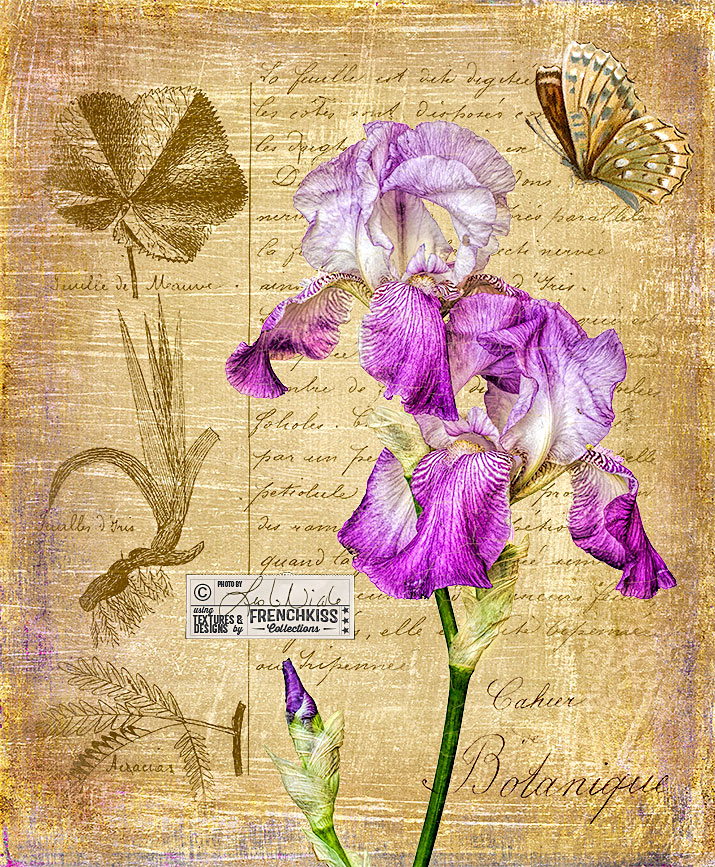
by Leslie Nicole | May 13, 2015 | Before & After
Using a photograph of an iris, a texture, a vintage paper, a vintage French overlay, a Photoshop brush, and a butterfly element to create a decorative botanical image. This is a glimpse into my workflow rather than a step-by-step guide. It is intermediate – advanced...
by Leslie Nicole | Nov 21, 2014 | Before & After, Using Textures
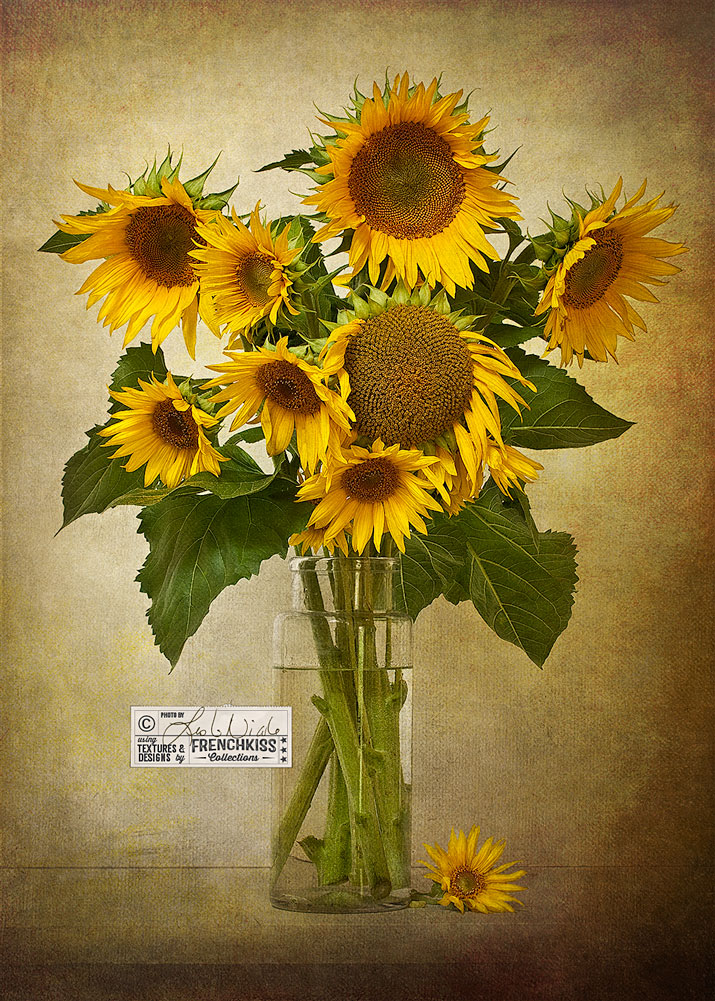
Here’s another image where I’ve used textures with a normal blend mode to “paint” in areas of a photograph. This is a half example/half tutorial. It is intermediate – advanced level and assumes you have basic Photoshop or Elements skills and a...