by Leslie Nicole | Jun 2, 2017 | Photoshop
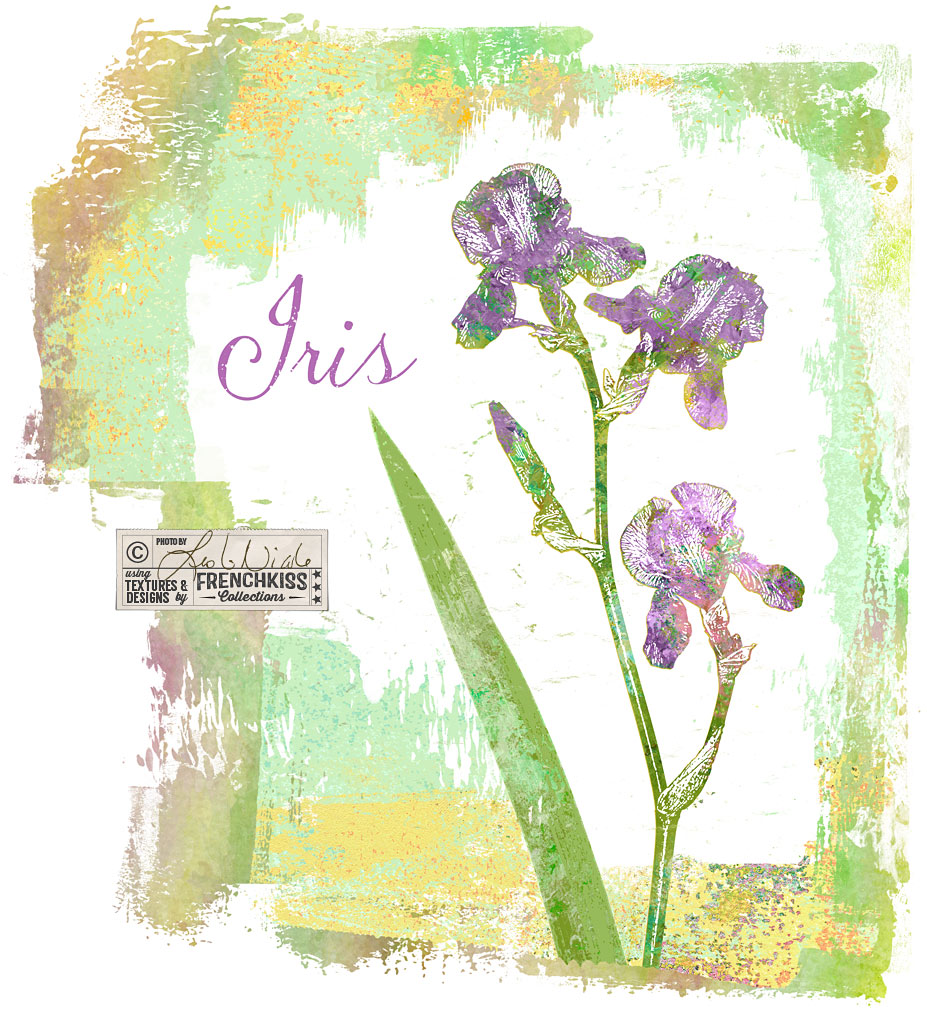
In the last post where I showed you my Photoshop filter exploration on an iris photograph, one of my examples was using the Photoshop / Sketch / Stamp filter. In this post, I want to show you how I used that filter result with a texture to create a design element....
by Leslie Nicole | May 23, 2017 | Photoshop
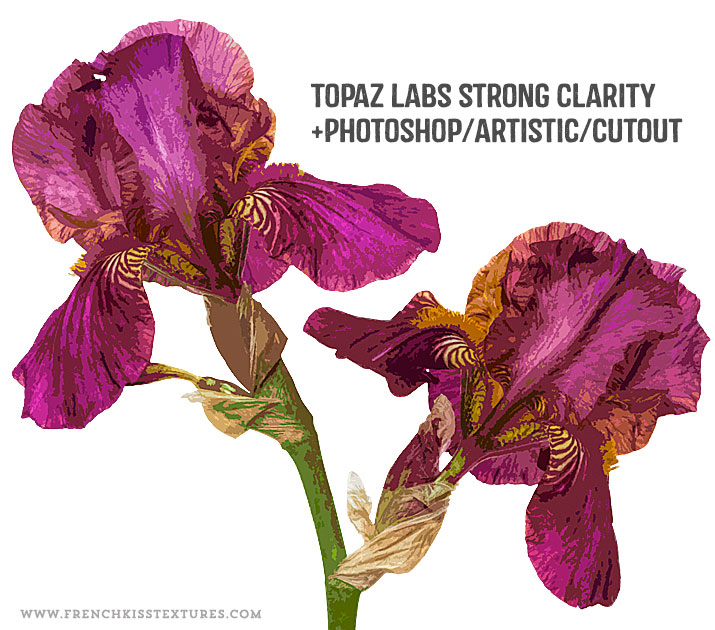
In the last post, I showed you my set up for photographing an iris flower intended for my designs. In this post, I share my creative Photoshop filter explorations. The Master File I’m not going to go into great detail on my master file preparation –...
by Leslie Nicole | May 19, 2017 | Photography
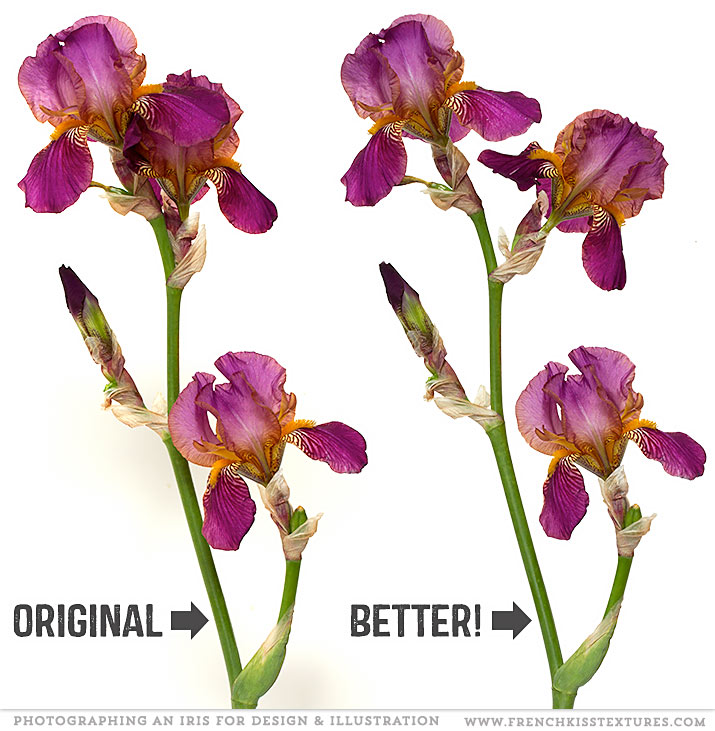
When photographing a flower to create a motif for your designs or illustrations, you may need to cheat a bit. Manipulating An Iris For Photography This lovely Iris is from my garden. It was a beautiful flower, but the composition wasn’t quite working for...
by Leslie Nicole | Oct 30, 2015 | Design, Photography
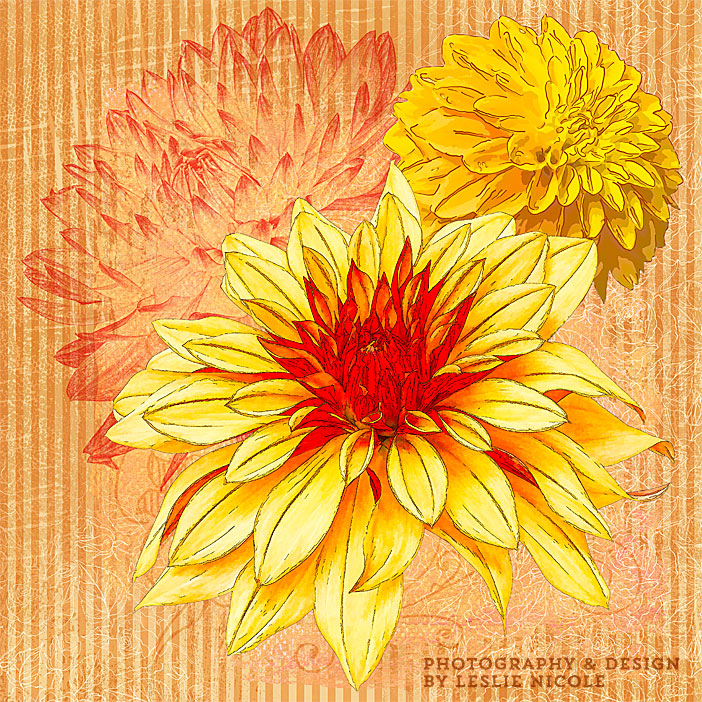
The teaser for a series of posts on photographing flowers and plants and post-processing in Photoshop and Illustrator as design elements and illustrations. Photography to Post-Processing Teaser These days I’ve been obsessed with photographing (mostly) my dahlias...
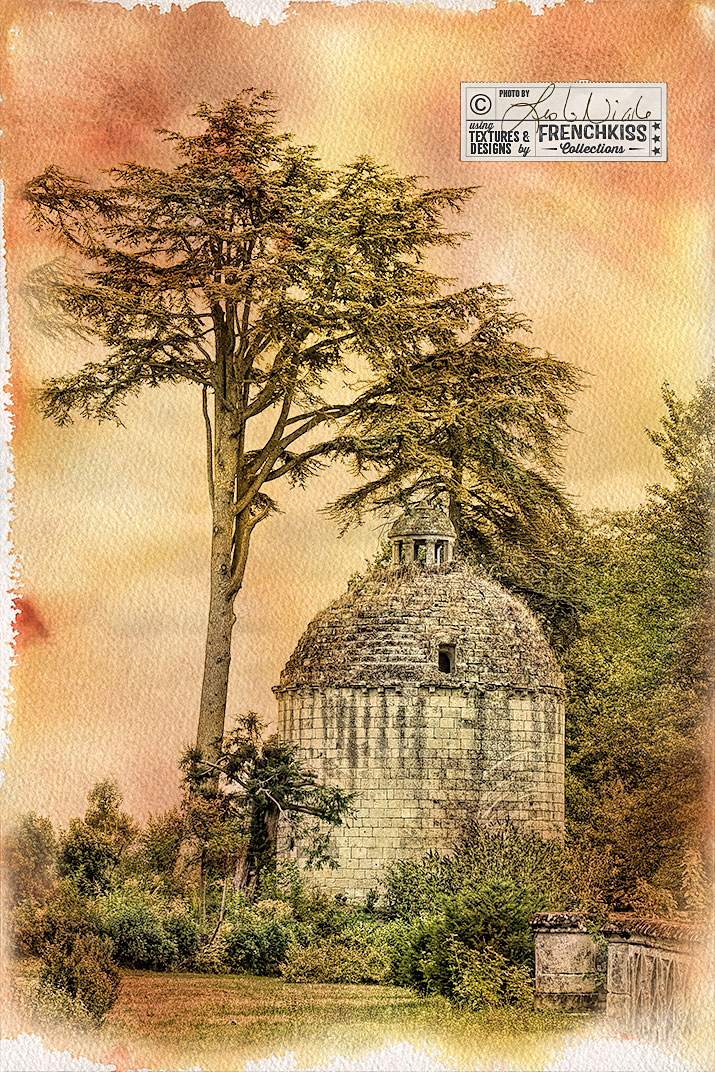
by Leslie Nicole | Oct 16, 2015 | Uncategorized, Using Textures
This photograph of a French tower was created with filters, selective desaturation, and the addition of a watercolor texture. Intermediate to advanced level tutorial. Processing The Photograph In the illustration above, the photograph on the left is my photograph with...