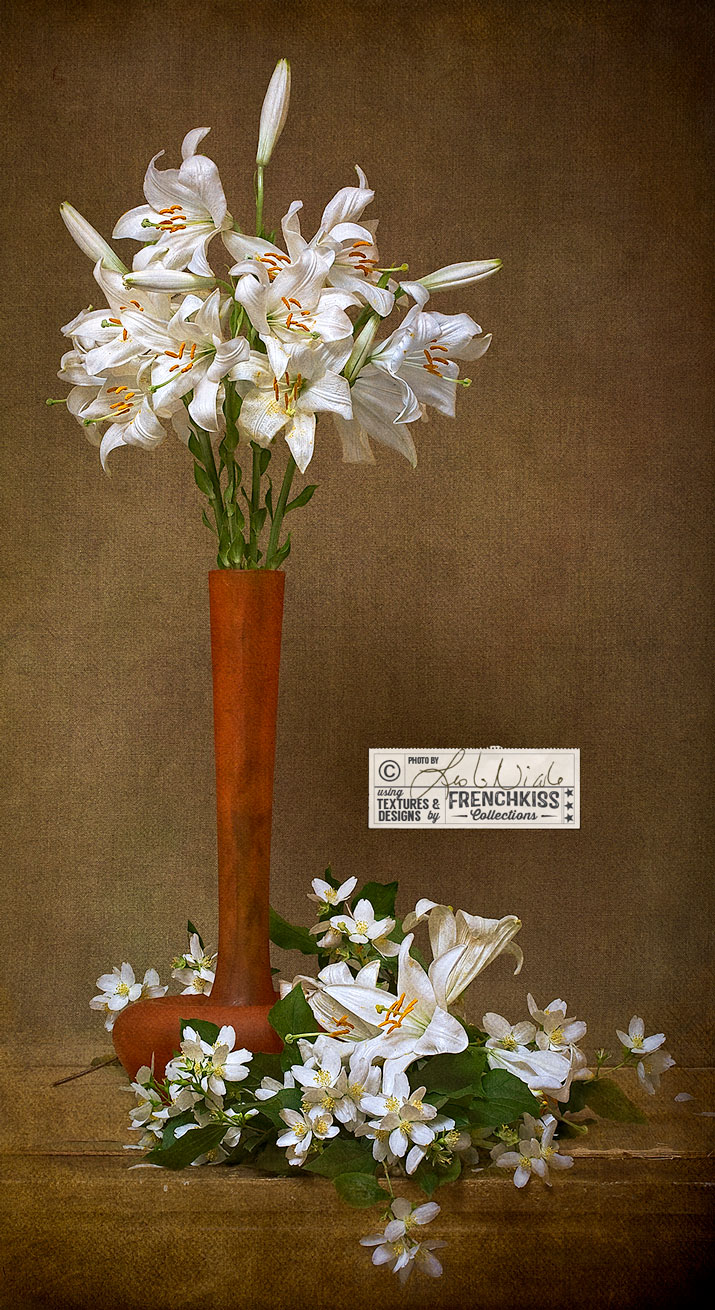
by Leslie Nicole | Nov 18, 2014 | Before & After, Using Textures
This still life photograph of Lilies and Mock Orange blossoms is transformed with textures. Intermediate to Advanced Level Photoshop Tutorial. The Photograph Each year the end of May through the mid-June, our courtyard is filled with the sweet scent of our Mock Orange...
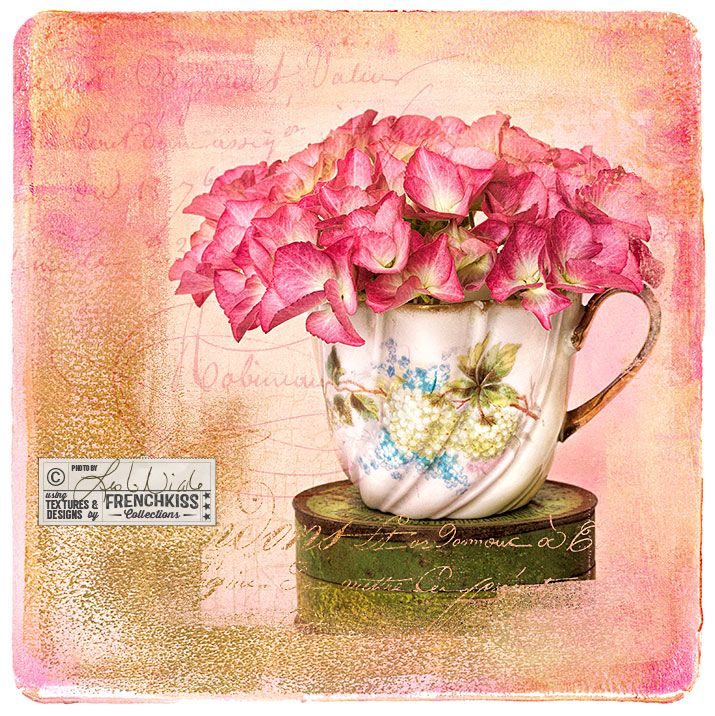
by Leslie Nicole | Oct 31, 2014 | Before & After
A photographic design that uses textures, vintage overlays, masks and brushes. Photograph © 2012 Leslie Nicole and design © 2014 by Leslie Nicole. The Original Image Hydrangeas from my garden in one of my vintage Limoges cups on one of my vintage tins. Photographed in...
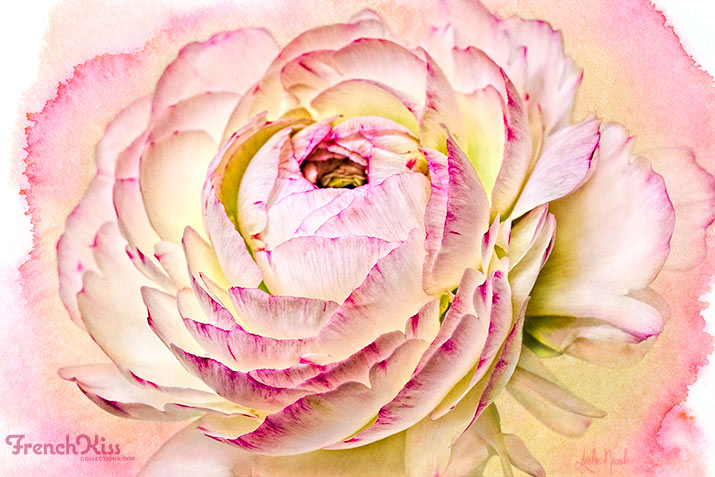
by Leslie Nicole | Sep 24, 2013 | Before & After
With some textured images, you need to push and pull to get them the way you want. I photographed this lovely Ranunculus from my garden against a plain white background. I’ve played with this image for 2 years now trying to find the right texture for it. All the...
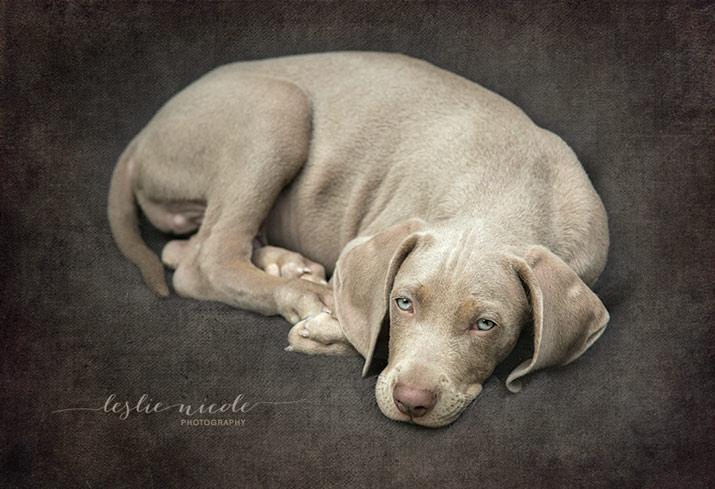
by Leslie Nicole | Aug 29, 2013 | Before & After
Here’s another portrait of my 9 week old Weimaraner puppy, Liko taken the same day as the previous post. I took this outside on a cloudy day, so the Straight Out Of the Camera, the light is pretty flat. Below is the Photoshop Layer Panel. The following details...
by Leslie Nicole | Aug 23, 2013 | Before & After
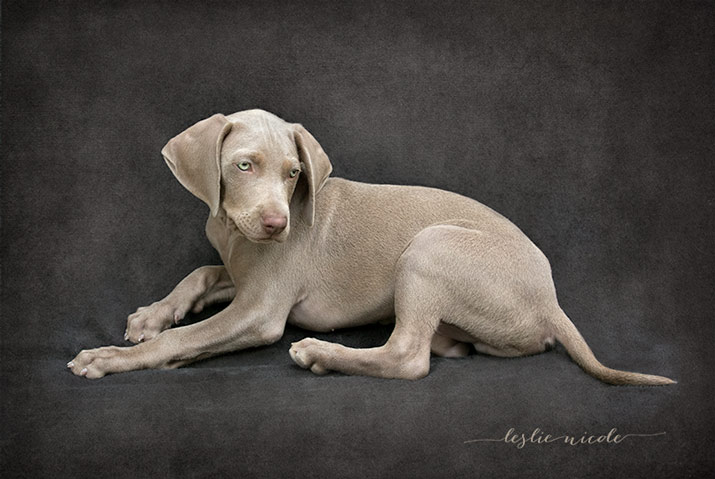
Look what’s been keeping me very busy the past week! We have a new Weimaraner puppy! Let me introduce you to Illico de l’Orée de la Meilleraye, or Liko for short (pronounced Leekoh). He’s a half-nephew to our Bella. Born in France, but from American...