
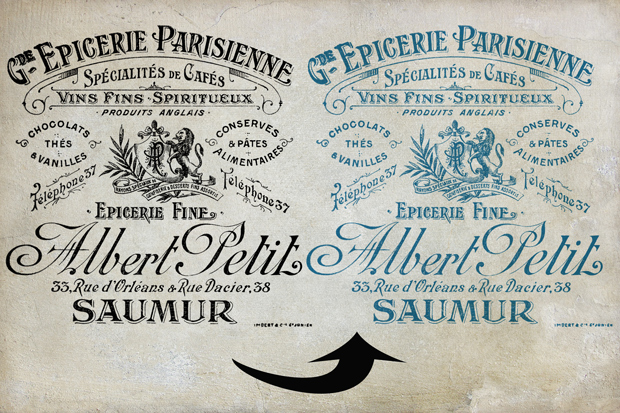

There are always multiple ways to do things in Photoshop and Photoshop Elements. This video goes over two methods for changing the color on files with transparency, like overlays.
The Free Action referred to in the video is Here.
The overlay in the video is part of the Le Marché collection.

Leslie Nicole
American Photographer and Designer living in France with my French husband, 2 Weimaraners and Cat Rescues. Camera, Mac, studio, garden.

Hi Leslie,
Do you change the colour of a texture using the same method?
Thanks for all your great tutorials….so easy to follow!
Judith
No, there are many ways to change the color of a texture. I do have some tutorials. One way is a Hue/Saturation Adjustment layer. If the texture is B&W, you can use an Overlay color effect. Look under the Using Textures category to find several tuts.
Leslie,
Thank you so much for all of the freebies and tutorials you provide. Everything you do is beautiful!