Free Textures are a great way to get started with textures, but be aware of restrictions that are attached.

 French Kiss Collections, photography and design resources and tutorials
Fine Art and Grunge textures for Photoshop and Photography
French Kiss Collections, photography and design resources and tutorials
Fine Art and Grunge textures for Photoshop and Photography

Free Textures are a great way to get started with textures, but be aware of restrictions that are attached.
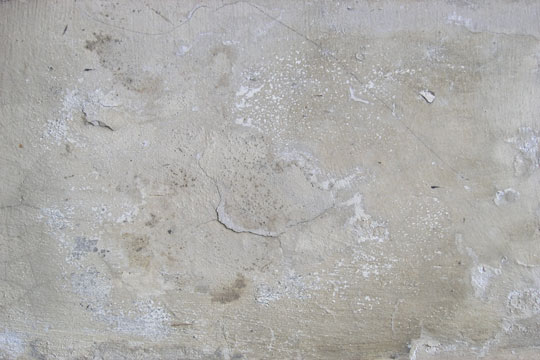
Straight photographs of found textures will usually benefit from refining with editing.
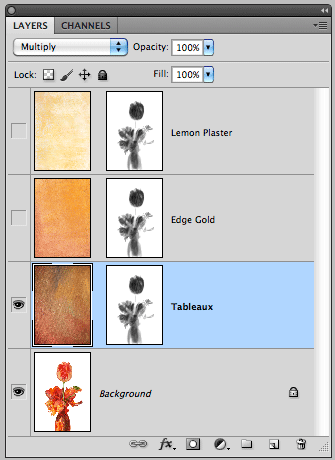
Quick tip showing how to copy a layer mask to another layer in Adobe Photoshop. Also how to replace a layer mask.
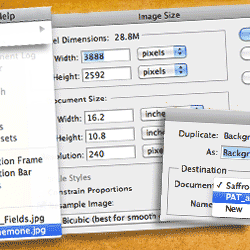
The Photoshop transform tool isn’t the best way to re-size your texture to fit your document. Learn a nifty tip for getting perfectly sized and positioned textures every time.
New to working with textures? Here’s a Beginning Tutorial to get you started quickly. Plus there are Two Free Downloads to follow along. A Flower photograph and a Fine Art Grunge Texture.
Go to any blog or forum that mentions post-processing and you will see a flurry of heated comments with those for and against duking it out. Since I have a blog on post-processing, it won’t be a stretch to guess which side of the boxing ring I’m in.
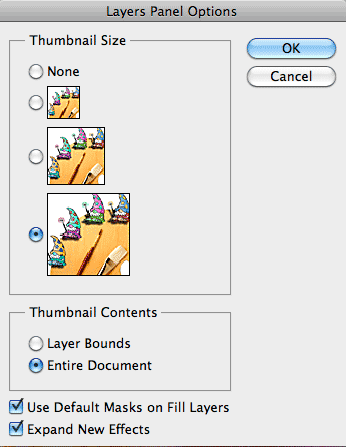
Changing the size of the Layer Panel Thumbnails in Photoshop can make it easier to see your textures.