This video shows you how to install, load and use Photoshop brushes. Demonstrates using both Photoshop and Elements. Features the Vintage French Script brushes.

 French Kiss Collections, photography and design resources and tutorials
Fine Art and Grunge textures for Photoshop and Photography
French Kiss Collections, photography and design resources and tutorials
Fine Art and Grunge textures for Photoshop and Photography

This video shows you how to install, load and use Photoshop brushes. Demonstrates using both Photoshop and Elements. Features the Vintage French Script brushes.
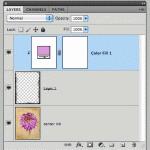
Changing the color on the Black and White transparent overlays is really easy. This video shows you how using Photoshop. Will also work with Elements.

Learn how to use clipping masks to perfectly size and place your photos in a photo template using clipping masks. The template is free on the Facebook page.

Before and After tutorial using Photoshop clipping masks to customize textures to suit an image.

Have you ever placed a texture into your photograph file and the colors of the texture changed dramatically? In fact, it might have turned rather garish. You may also have had Photoshop warn you that the color space was different and you weren’t sure what to do? This is due to a difference between the color space of the texture and the color space of your image.
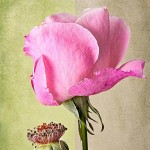
Use clipping masks and adjustment layers to change your textures on the fly in Photoshop or Elements to suit your image. It’s easy!

Video tutorial shows you how to use a Color Overlay or Gradient Overlay Layer Style in Photoshop to create unlimited color variations with a Black and White Texture.
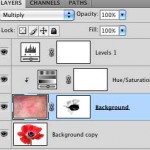
In this video tutorial we use an adjustment layer with a clipping mask in Photoshop to modify a texture without modifying the image below.
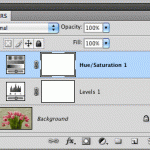
Photoshop’s adjustment layers are an essential part of post-processing. They allow you to make changes such as tonal adjustments to your image non-destructively. This tutorial will give you the basics of working with Adjustment Layers.

We often refer to images at 300 PPI as being “High Resolution.” What does this mean and is it correct? This article attempts to clear up a misunderstanding about the importance of an image’s resolution setting in relation to it’s pixel dimensions. Short video illustration included.