Use digital masks with textures and clipping masks to create design elements. Stack several masks for a dimensional design. Throw in an overlay too!

 French Kiss Collections, photography and design resources and tutorials
Fine Art and Grunge textures for Photoshop and Photography
French Kiss Collections, photography and design resources and tutorials
Fine Art and Grunge textures for Photoshop and Photography

Use digital masks with textures and clipping masks to create design elements. Stack several masks for a dimensional design. Throw in an overlay too!
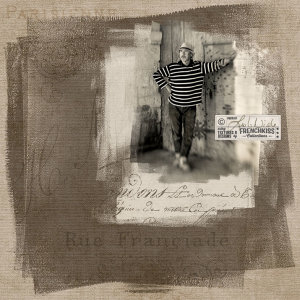
Digital photo masks aren’t just for photos. They can be used in a variety of ways from overlays to brushes to design elements.
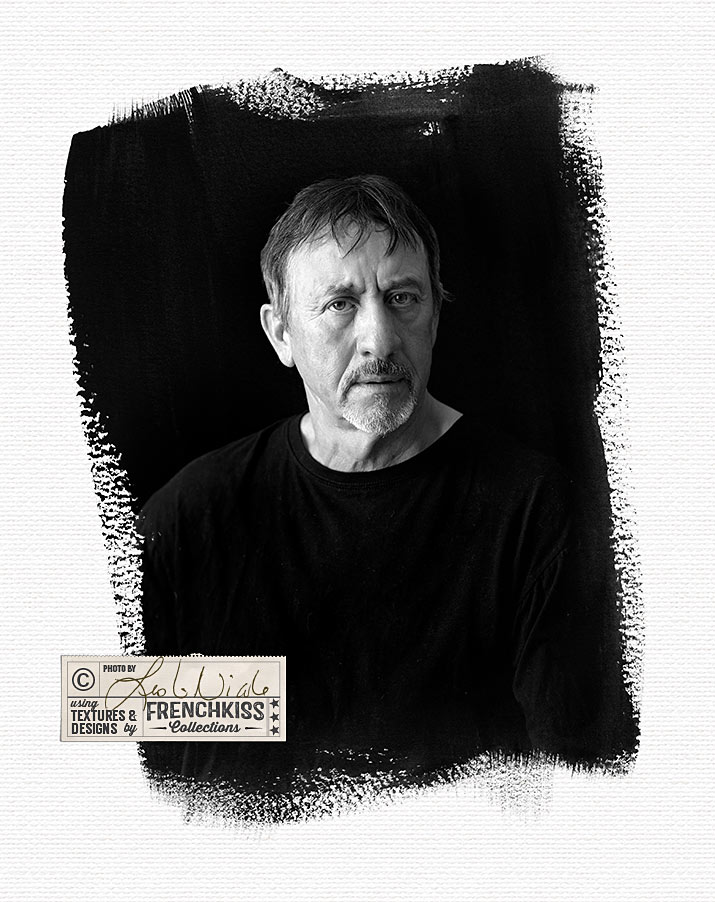
A few tips for editing digital photo masks to work perfectly with your image.
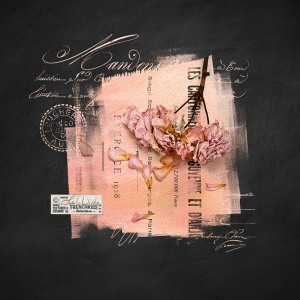
How to use a digital photo mask and add embellishments using Photoshop brushes of vintage script, postcards, etc.
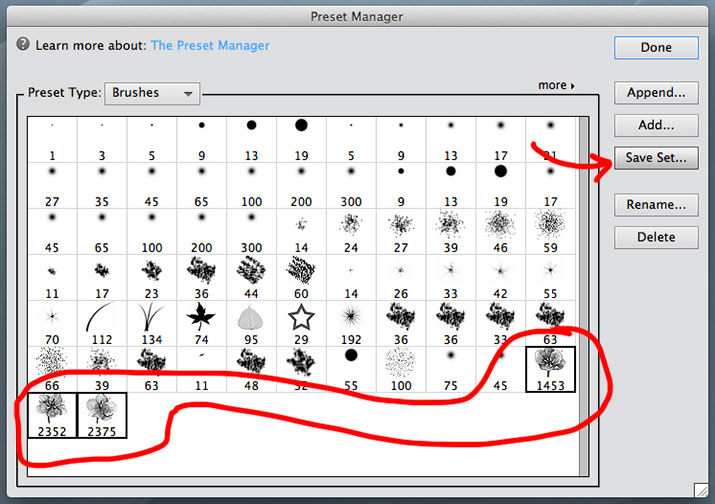
It’s very easy to create a Photoshop brush set from digital overlays, using Photoshop or Photoshop Elements.
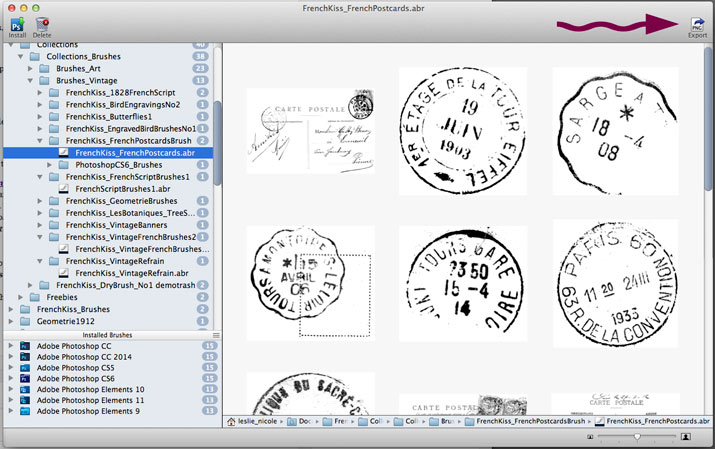
If you prefer using overlays to Photoshop brushes or have software or a version of Photoshop not supported by most brushes, here are two methods to create overlays from Photoshop abr files.
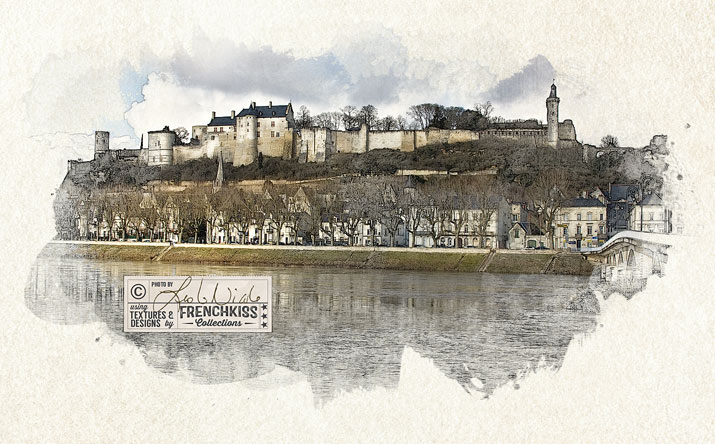
In the 4th and Final part of this tutorial, we put together the line illustration and the color image and use watercolor brushes in the layer masks.
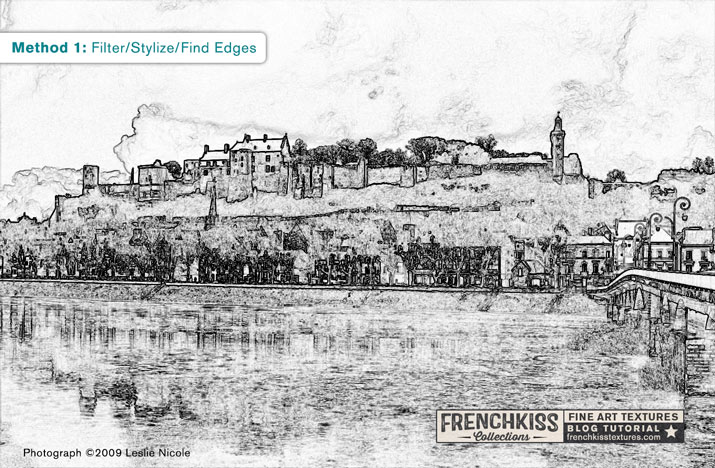
Part 3 of the tutorial for creating a photo illustration from a photograph covers methods of making a line art illustration effect using various Photoshop filters.
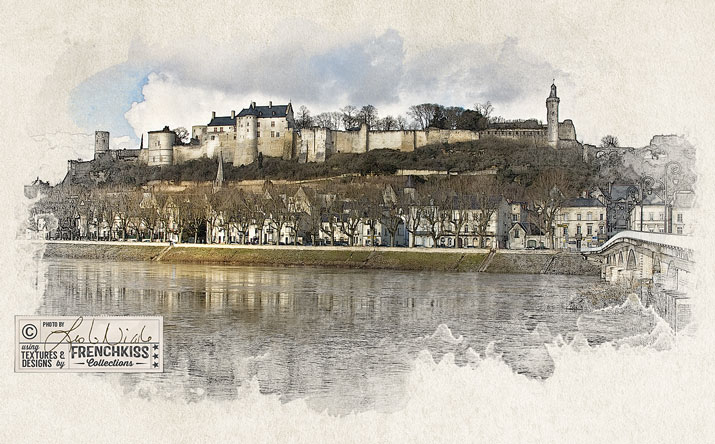
How to choose and process the color image for the photo illustration effect. Different creative Photoshop filters are explored. Part 2 of a 4 part tutorial.
In part 1 of this 4 part tutorial you’ll find an overview of how to create this photo illustration effect using a color photograph with a line drawing effect.