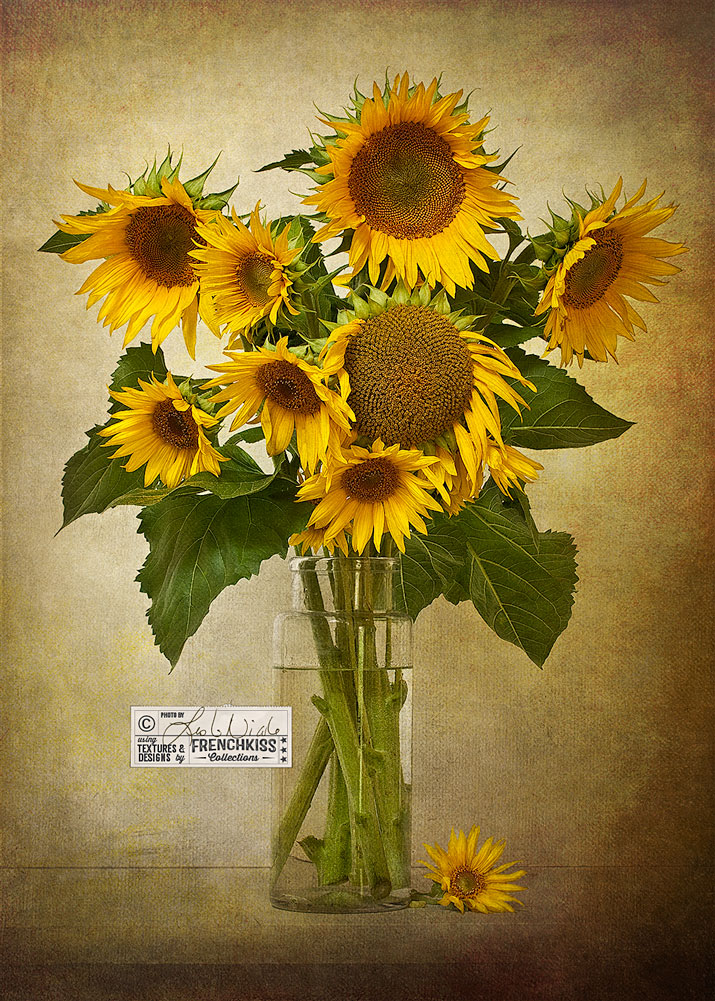
See how to use textures to “paint” in areas of a still life photograph. Details show the transformation of a plain photograph to artistic results. Masking techniques, too.
 French Kiss Collections, photography and design resources and tutorials
Fine Art and Grunge textures for Photoshop and Photography
French Kiss Collections, photography and design resources and tutorials
Fine Art and Grunge textures for Photoshop and Photography

See how to use textures to “paint” in areas of a still life photograph. Details show the transformation of a plain photograph to artistic results. Masking techniques, too.
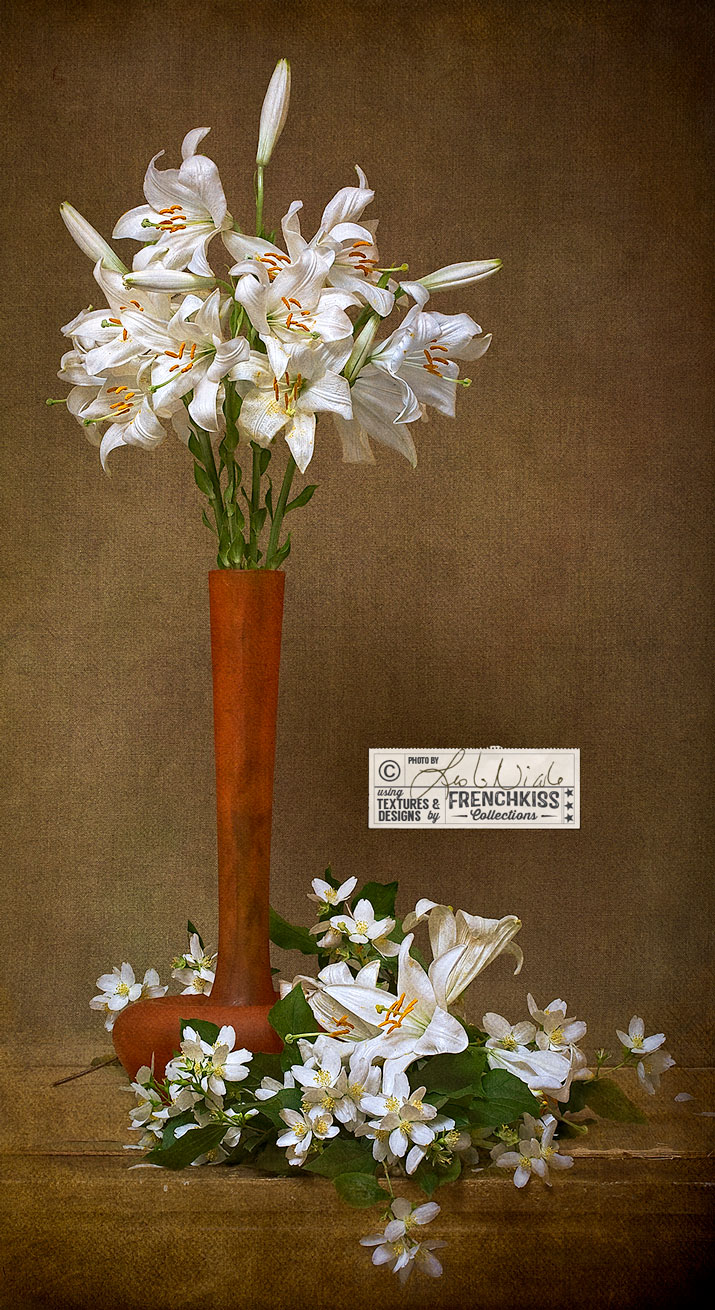
Use textures like paint with a floral photograph to create an artistic still life. See the Original and Photoshop layer panel for details on post-processing.

This photographic design uses textures, overlays, masks and brushes. Have a peek at my layers to see how it was created.
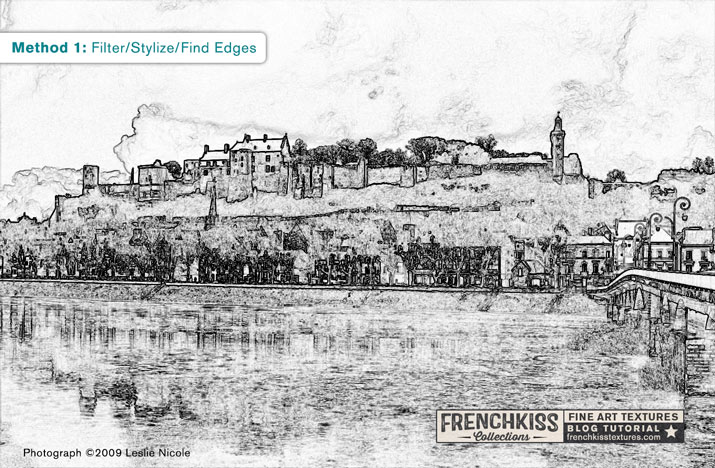
Part 3 of the tutorial for creating a photo illustration from a photograph covers methods of making a line art illustration effect using various Photoshop filters.
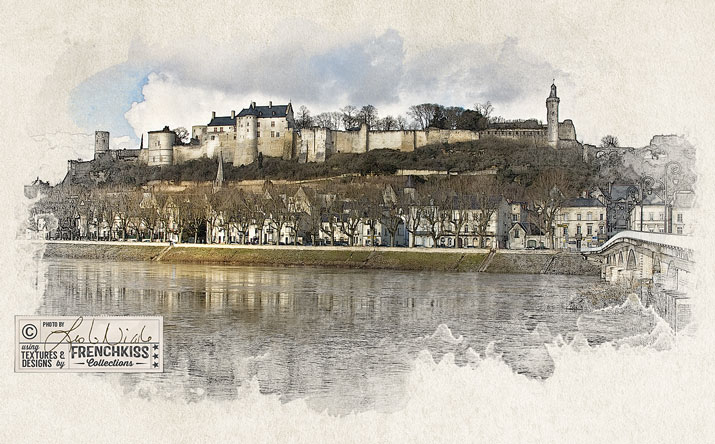
How to choose and process the color image for the photo illustration effect. Different creative Photoshop filters are explored. Part 2 of a 4 part tutorial.
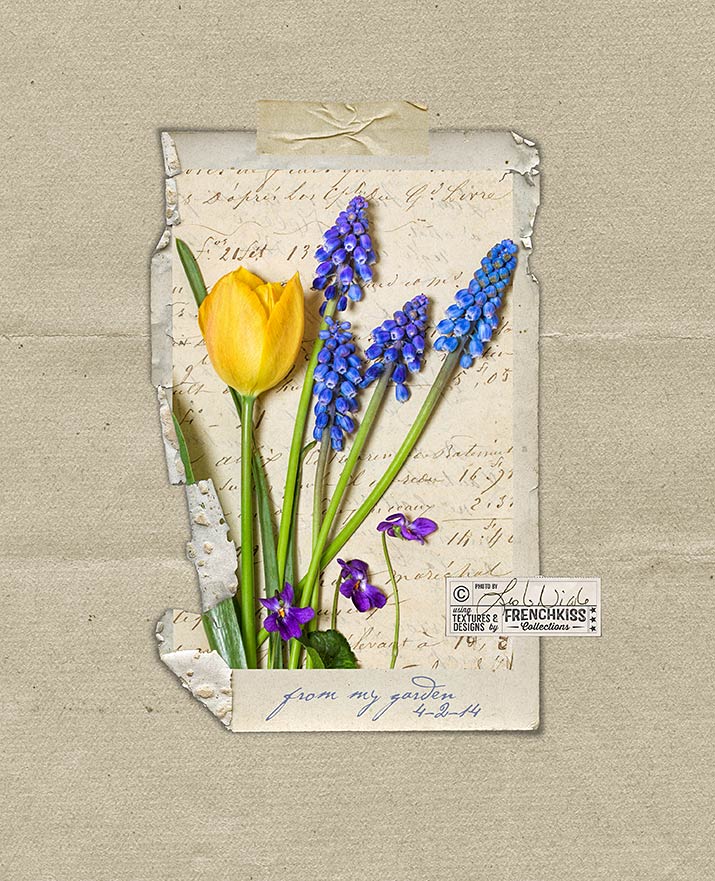
Example of how to change the color of your texture or digital paper. Also notes on image processing using filters and textures on a spring floral image.
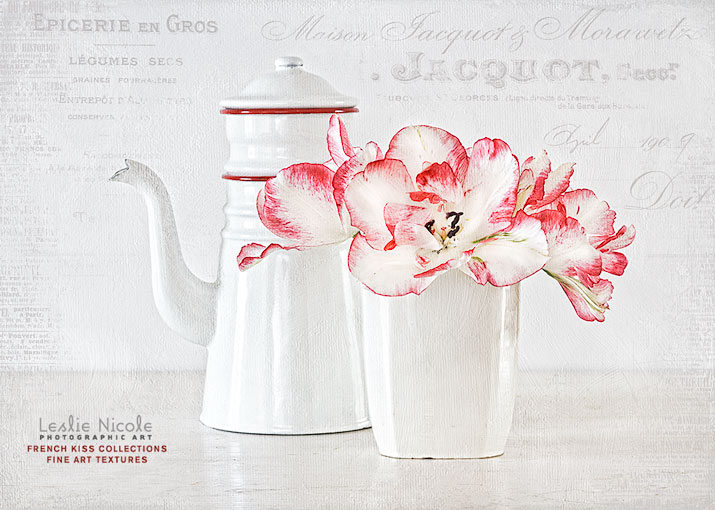
When using Vintage French Script Overlays and Photoshop Brushes, use the free grunge brushes in the layer mask to edit the overlay/brush to better suit your image.
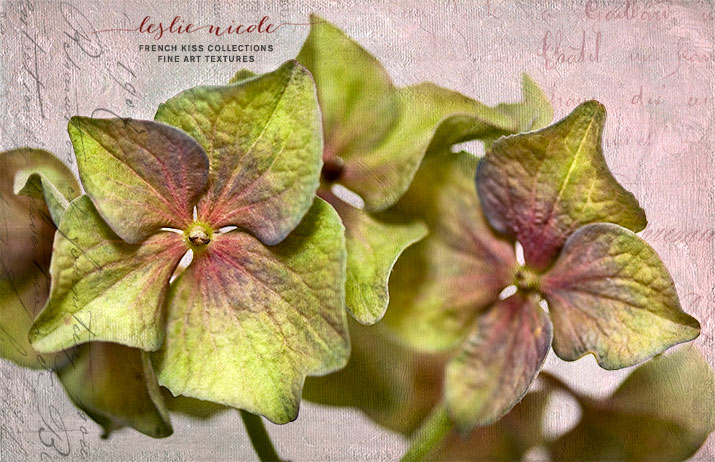
This week, I’ll be showing you examples of using vintage French script brushes and overlays. This macro of hydrangea petals is made with an overlay and textures from the Artiste collection.
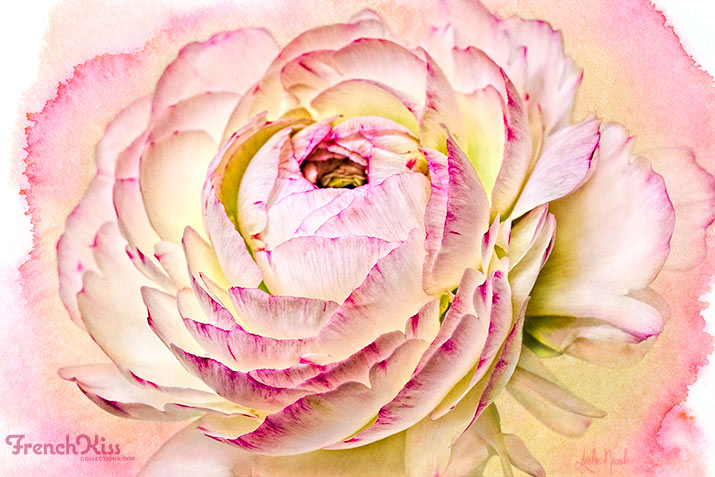
Sometimes you have to really push and pull an image and a texture to get it the way you want it. Here’s an overview of my work process for this image.
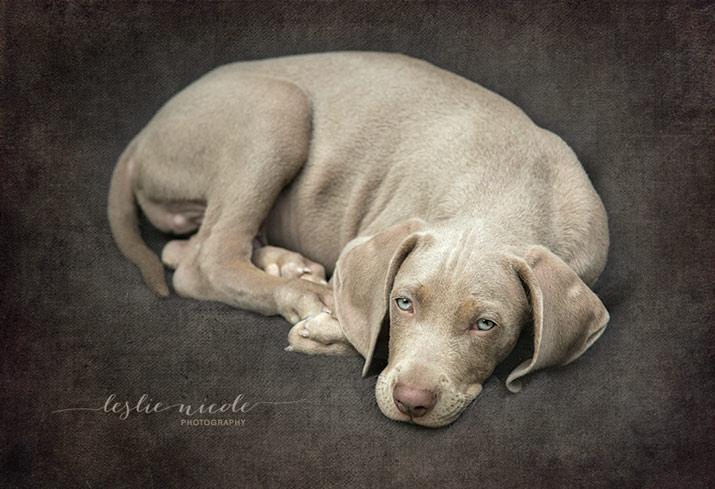
Another photograph of our Weimaraner puppy, Liko. See the Before and After with detailed steps on how I processed the image.