Before and After tutorial using Photoshop clipping masks to customize textures to suit an image.
 French Kiss Collections, photography and design resources and tutorials
Fine Art and Grunge textures for Photoshop and Photography
French Kiss Collections, photography and design resources and tutorials
Fine Art and Grunge textures for Photoshop and Photography

Before and After tutorial using Photoshop clipping masks to customize textures to suit an image.

Have you ever placed a texture into your photograph file and the colors of the texture changed dramatically? In fact, it might have turned rather garish. You may also have had Photoshop warn you that the color space was different and you weren’t sure what to do? This is due to a difference between the […]
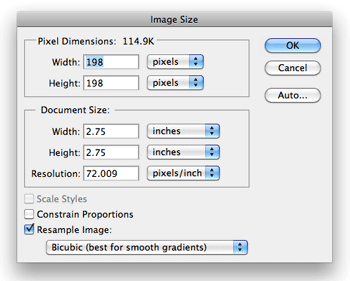
In this video, I show you two ways to resize your texture in Photoshop so that it will fit your image exactly. This method works in Elements as well. I’ve found over time, I use this method without the action. Really, the re-size method itself is pretty fast, but feel free to download and try […]
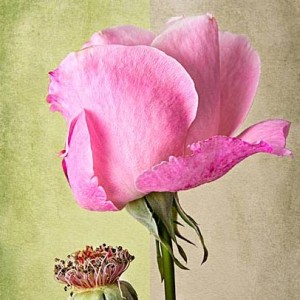
Use clipping masks and adjustment layers to change your textures on the fly in Photoshop or Elements to suit your image. It’s easy!
Video tutorial shows you how to use a Color Overlay or Gradient Overlay Layer Style in Photoshop to create unlimited color variations with a Black and White Texture.
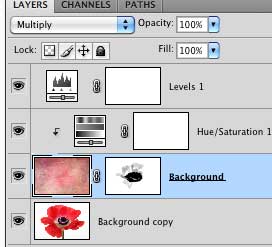
In this video tutorial we use an adjustment layer with a clipping mask in Photoshop to modify a texture without modifying the image below.
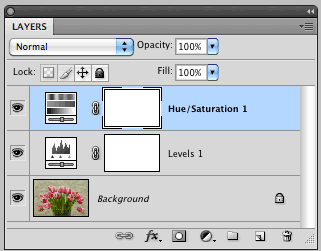
Photoshop’s adjustment layers are an essential part of post-processing. They allow you to make changes such as tonal adjustments to your image non-destructively. This tutorial will give you the basics of working with Adjustment Layers.
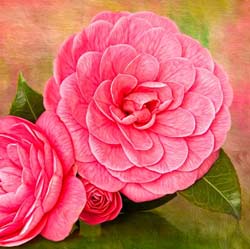
Fairly advanced Photoshop tutorial showing step by step details to create this painterly Camellia image. The image uses a texture and 3 filters, 2 Topaz Labs filters and the Pixel Bender Oil Paint filter. Also uses layer adjustments, clipping masks, and layer masks.

Learn to be a Layer Ninja with Matt Kloskowski’s book, Layers: The Complete Guide to Photoshop’s Most Powerful Feature (2nd Edition).
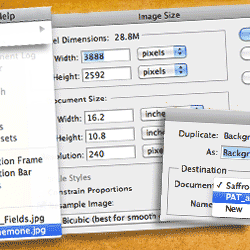
The Photoshop transform tool isn’t the best way to re-size your texture to fit your document. Learn a nifty tip for getting perfectly sized and positioned textures every time.