Power tips to give you total control over placing a texture into your image file and using the transform tool in Photoshop and Elements to resize the texture.
 French Kiss Collections, photography and design resources and tutorials
Fine Art and Grunge textures for Photoshop and Photography
French Kiss Collections, photography and design resources and tutorials
Fine Art and Grunge textures for Photoshop and Photography

Power tips to give you total control over placing a texture into your image file and using the transform tool in Photoshop and Elements to resize the texture.
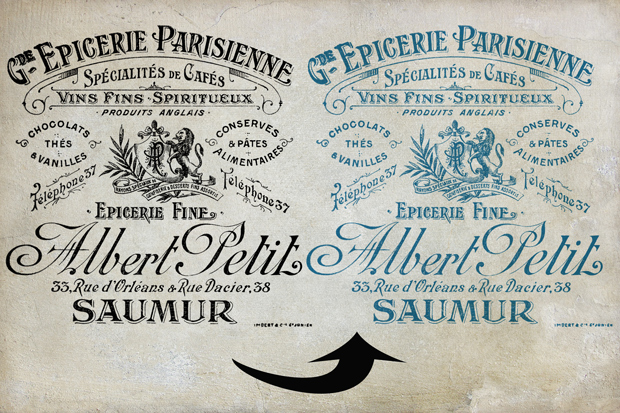
There are always multiple ways to do things in Photoshop and Photoshop Elements. This video goes over two methods for changing the color on files with transparency, like overlays.
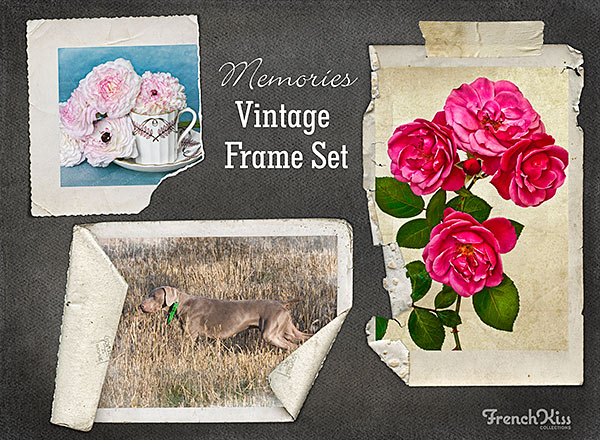
Watch this quick video on using the layered digital vintage frames, texture and tape strip. Video is in Photoshop, but the same instructions work for Elements.
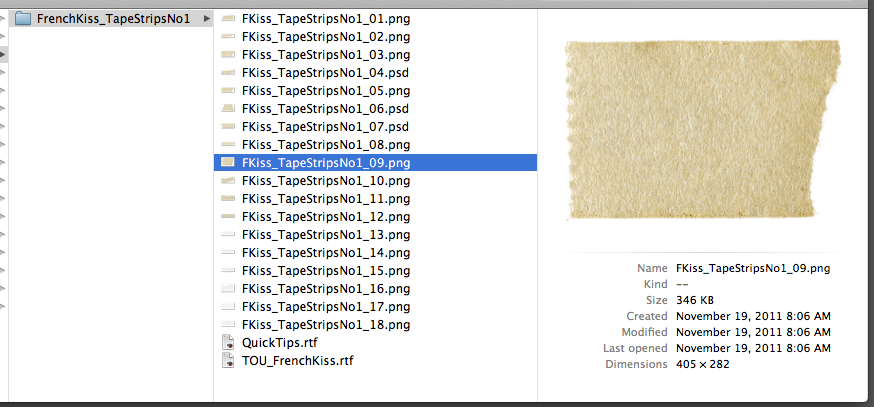
Has it been driving you crazy that .png files open in Preview on a Mac and you want them to open in Photoshop or Elements? Here’s an easy fix.
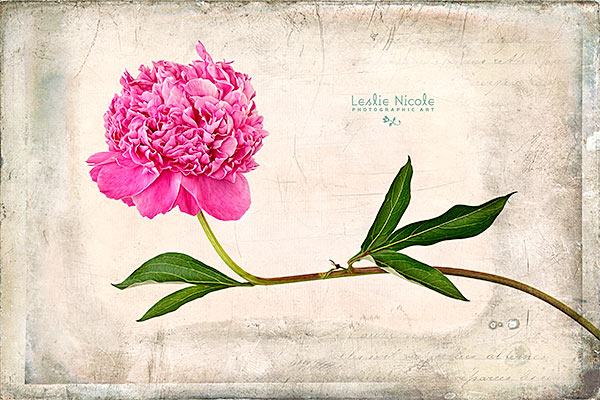
Photograph of a peony with a texture, Adobe Photoshop CS6 Oil Paint filter and a Topaz Labs filter.
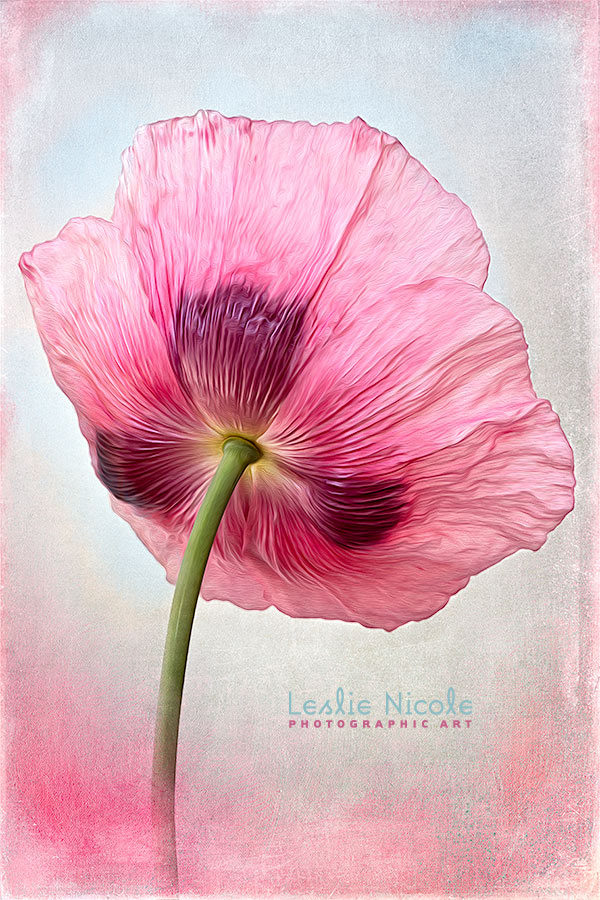
This example shows a rather complicated
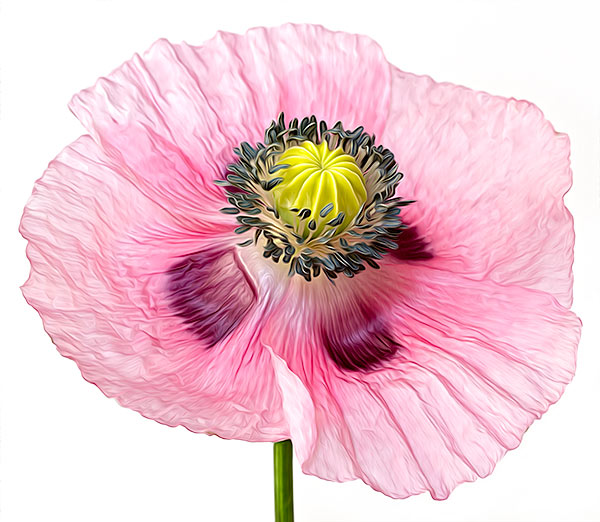
Comparison of the feature changes between the Pixel Bender Oil Paint Filter and the Adobe Photoshop CS6 Oil Paint filter, plus my own “Secret Sauce”.
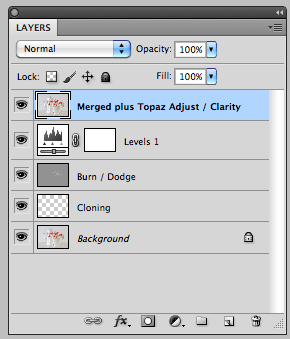
This Photoshop keyboard shortcut will copy all the visible layers and merge them into a new layer. I use this handy shortcut with with nearly every image.

Clean up your highlight areas in a textured photograph to bring your image to life. Use layer masks and layer adjustments to brighten and reveal.

Post-Processing is the secret to getting great images out of your photographs. I share a Before & After from the original RAW file to processing in Lightroom, Photoshop and Finishing with a Topaz Labs filter. I’ve even included my Topaz filter preset as a download.