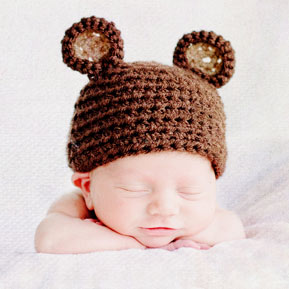
Discover how Rebecca Danzenbaker created this whimsical, textured, newborn photograph.
 French Kiss Collections, photography and design resources and tutorials
Fine Art and Grunge textures for Photoshop and Photography
French Kiss Collections, photography and design resources and tutorials
Fine Art and Grunge textures for Photoshop and Photography

Discover how Rebecca Danzenbaker created this whimsical, textured, newborn photograph.
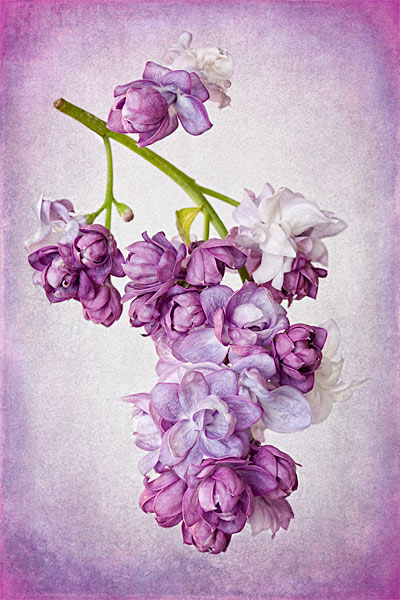
See how I’ve combined a texture and 3 Artistique Edge Overlays with the Lilac image. The layer panel makes it easy to see how to use the clipping masks in Photoshop.

See how a jpg image from a lower resolution compact digital camera is changed into a photo painting with Topaz Labs filters and a texture.
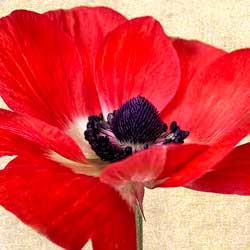
Before and After tutorial using Photoshop clipping masks to customize textures to suit an image.

If you have a lot of detail in your texture that you want to keep, you may need to do a bit of Layer Acrobatics in Photoshop to achieve the results you want. Get a peek at the layer panel for a detailed description of how this textured flower image was made.
A Before & After example that uses textures to turn a quick snap of a horse into a classic equine portrait. Shows the Photoshop layers panel.

Bob shares how he photographed this stunning magnolia macro photograph. Plus, his post-processing recipe using a Topaz Labs filter and 2 textures. See the before & after.
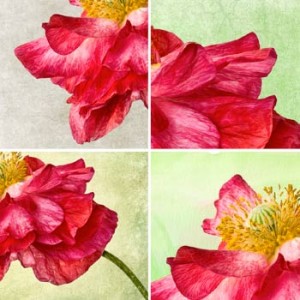
See how this poppy image was created using post-processing and filters in Photoshop and then see four different looks with four different textures.

French Kiss Texture and Topaz Labs filters used to create a Peony photograph with a watercolor feel.
The energy in this image of my Weimaraner, Ellie, pointing is enhanced with a transformation to monochromatic and a grungy texture treatment.