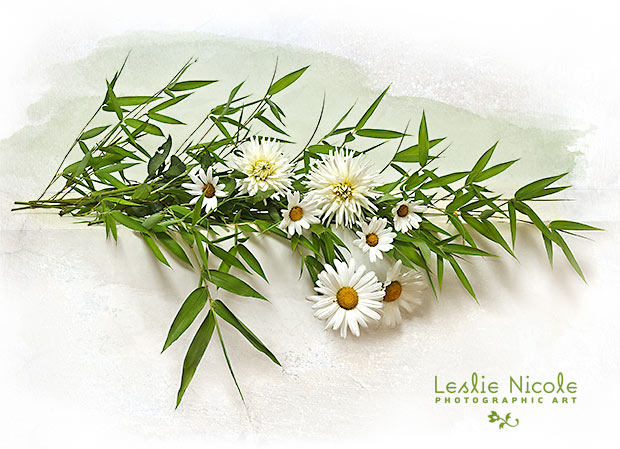
Before and After example of a still life of bamboo, daisies and dahlias using a texture and Photoshop watercolor brushes.
 French Kiss Collections, photography and design resources and tutorials
Fine Art and Grunge textures for Photoshop and Photography
French Kiss Collections, photography and design resources and tutorials
Fine Art and Grunge textures for Photoshop and Photography

Before and After example of a still life of bamboo, daisies and dahlias using a texture and Photoshop watercolor brushes.

This Ornamental Cabbage image gets a little post-processing love and a texture treatment. I used OnOne’s Perfect Effects filter to add vibrancy. I also extended the canvas with a layer mask.
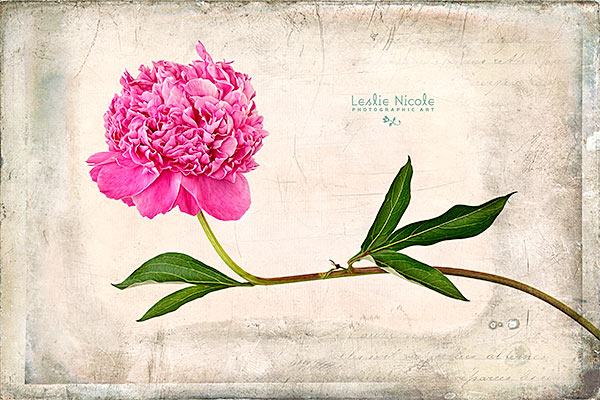
Photograph of a peony with a texture, Adobe Photoshop CS6 Oil Paint filter and a Topaz Labs filter.
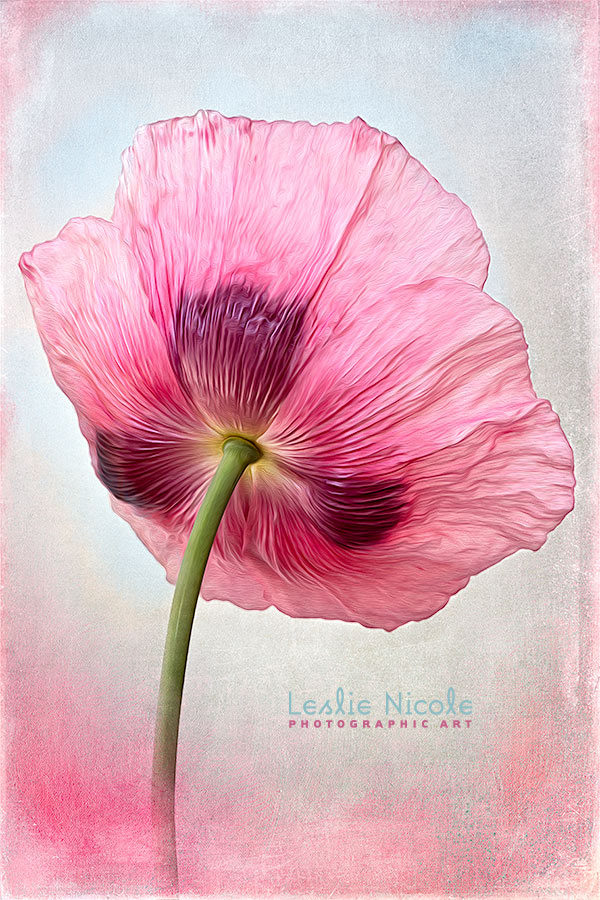
This example shows a rather complicated
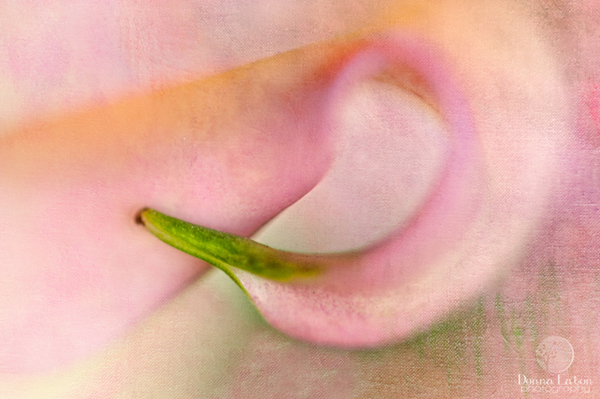
This textured, floral macro focuses (and blurs!) on the beauty and grace of a Cala Lily detail. The undulating forms and sweet color reminded me somewhat of a Georgia O’Keefe painting.
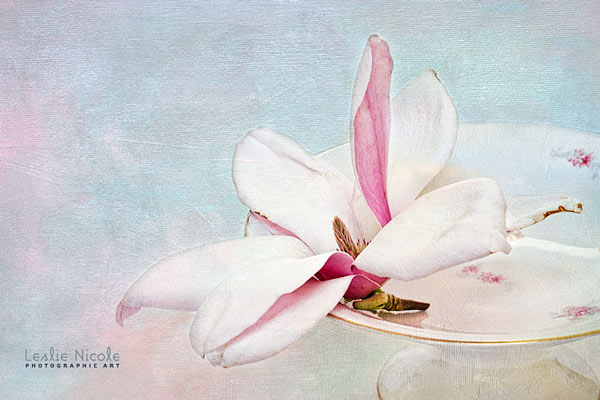
Detailed demonstration using 3 fine art textures and a Topaz Labs filter to created this textured floral image.
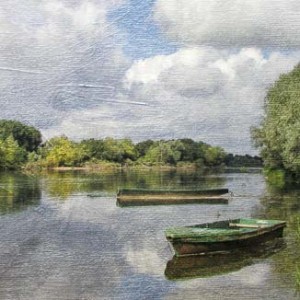
Get more usage from your textures! Before and After step by step tutorial on how to apply a colorful texture to an image without applying the color.

Clean up your highlight areas in a textured photograph to bring your image to life. Use layer masks and layer adjustments to brighten and reveal.
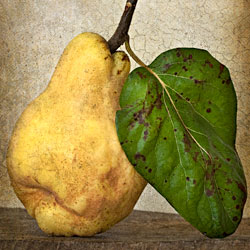
This Before & After continues the processing of this Quince Still Life from the previous post. Here the layers and final tweaks are applied .

Post-Processing is the secret to getting great images out of your photographs. I share a Before & After from the original RAW file to processing in Lightroom, Photoshop and Finishing with a Topaz Labs filter. I’ve even included my Topaz filter preset as a download.