Get extra intensity with a texture overlay. Use two layers: one set to multiply blend mode and the other at normal. Modify the colors with an adjustment layer.
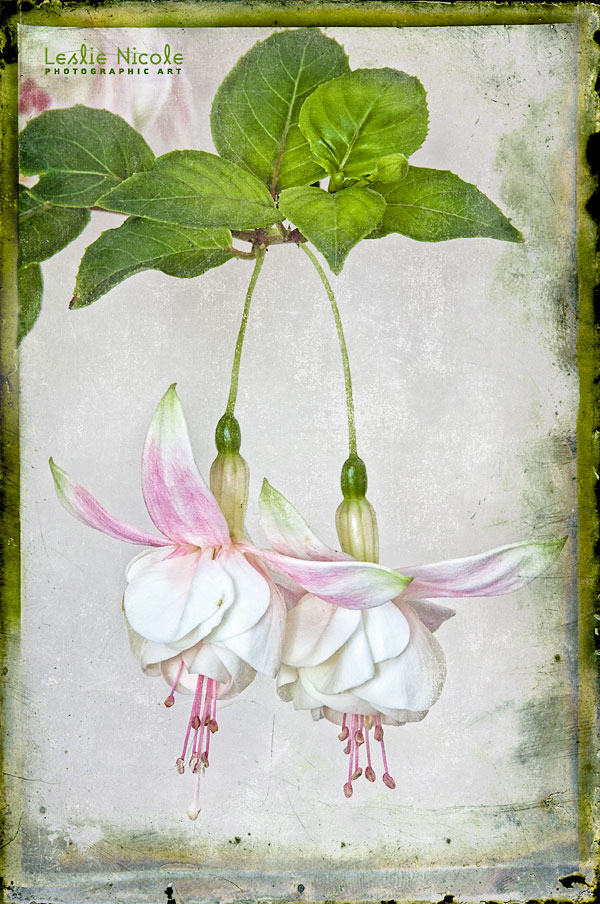
 French Kiss Collections, photography and design resources and tutorials
Fine Art and Grunge textures for Photoshop and Photography
French Kiss Collections, photography and design resources and tutorials
Fine Art and Grunge textures for Photoshop and Photography

Get extra intensity with a texture overlay. Use two layers: one set to multiply blend mode and the other at normal. Modify the colors with an adjustment layer.

Get more usage from your textures! Before and After step by step tutorial on how to apply a colorful texture to an image without applying the color.

Clean up your highlight areas in a textured photograph to bring your image to life. Use layer masks and layer adjustments to brighten and reveal.
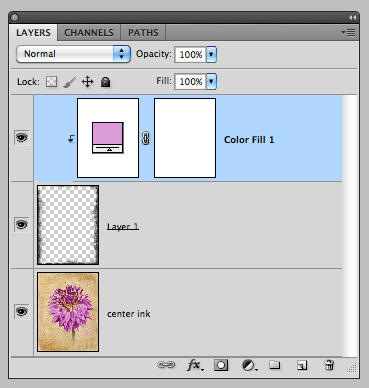
Changing the color on the Black and White transparent overlays is really easy. This video shows you how using Photoshop. Will also work with Elements.
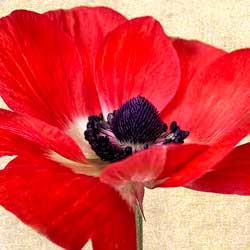
Before and After tutorial using Photoshop clipping masks to customize textures to suit an image.
Have you ever placed a texture into your photograph file and the colors of the texture changed dramatically? In fact, it might have turned rather garish. You may also have had Photoshop warn you that the color space was different and you weren’t sure what to do? This is due to a difference between the […]
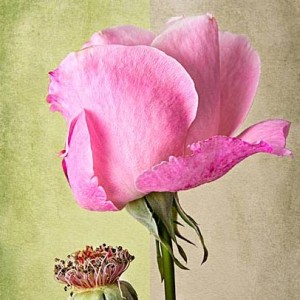
Use clipping masks and adjustment layers to change your textures on the fly in Photoshop or Elements to suit your image. It’s easy!
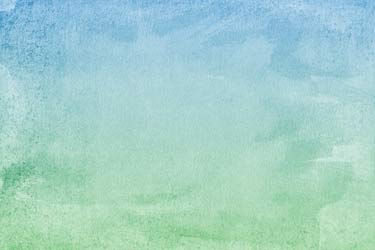
Video tutorial shows you how to use a Color Overlay or Gradient Overlay Layer Style in Photoshop to create unlimited color variations with a Black and White Texture.
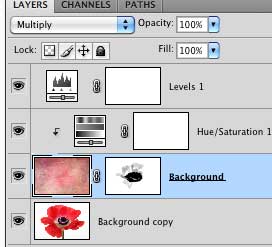
In this video tutorial we use an adjustment layer with a clipping mask in Photoshop to modify a texture without modifying the image below.
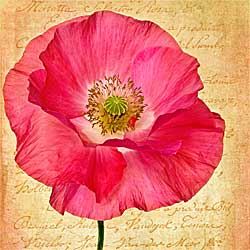
Learn how easy it is to change colors and opacities of the French Kiss Script and Edge Overlays with this video and tutorial on using solid color adjustment layers and clipping masks in Photoshop and Elements. Besides, it’s just a really cool technique to know.