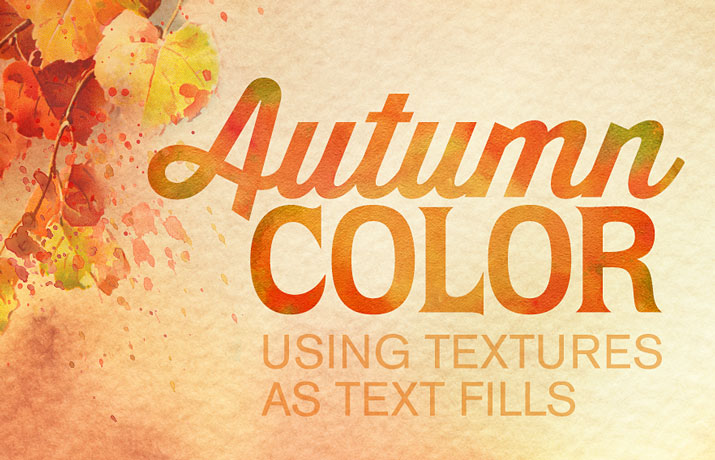
Textures used as a fill can add a lot of character to display text and it’s quite easy to do.
 French Kiss Collections, photography and design resources and tutorials
Fine Art and Grunge textures for Photoshop and Photography
French Kiss Collections, photography and design resources and tutorials
Fine Art and Grunge textures for Photoshop and Photography

Textures used as a fill can add a lot of character to display text and it’s quite easy to do.

Use digital masks with textures and clipping masks to create design elements. Stack several masks for a dimensional design. Throw in an overlay too!
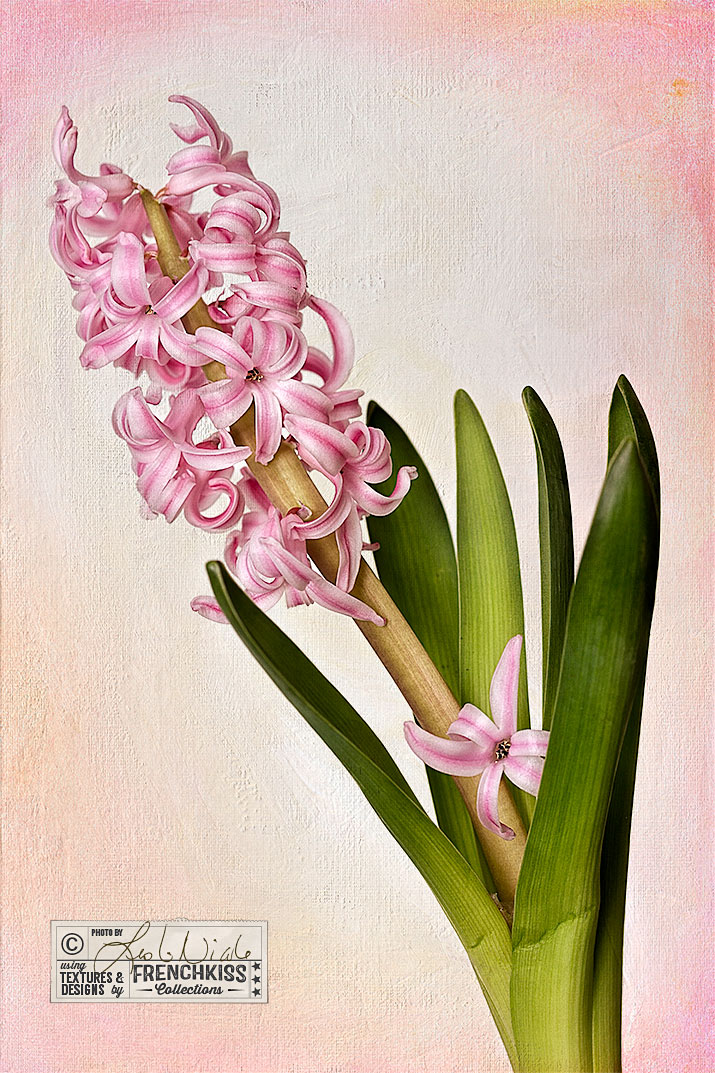
Wild textures, used with a light touch can add the perfect amount of custom visual interest to your image or design.
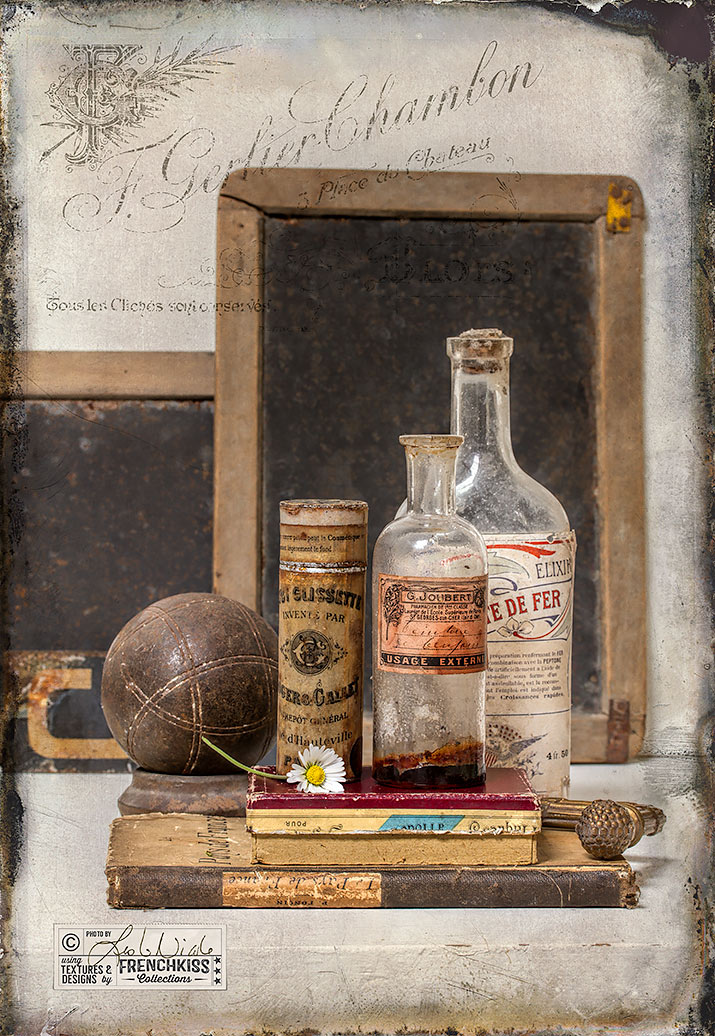
Textures nearly always need to be tweaked to fit an image, even it it’s a slight tweak. This example uses a Levels adjustment and Color Balance adjustment.
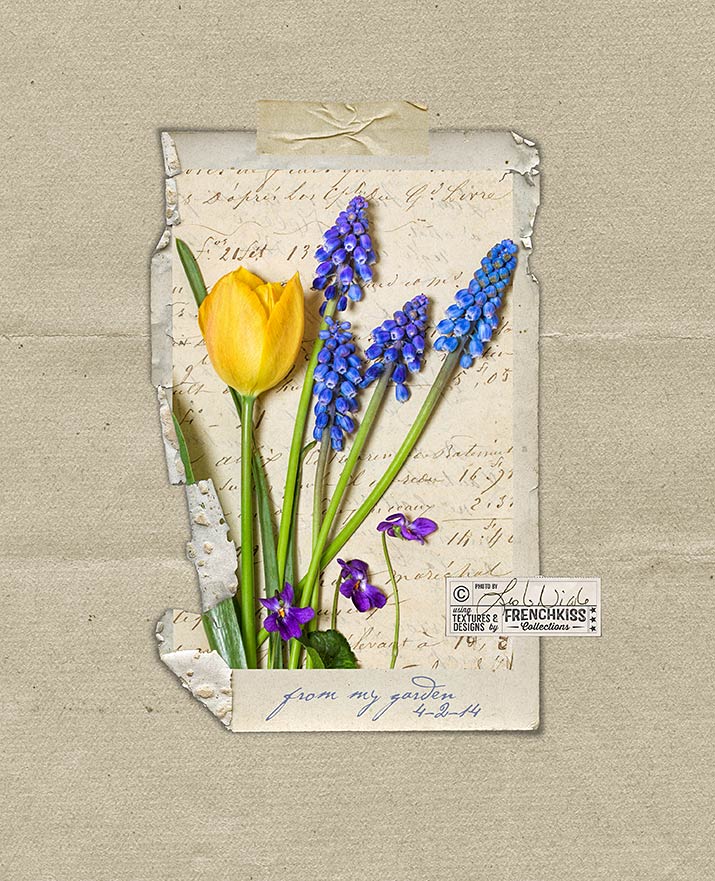
Example of how to change the color of your texture or digital paper. Also notes on image processing using filters and textures on a spring floral image.
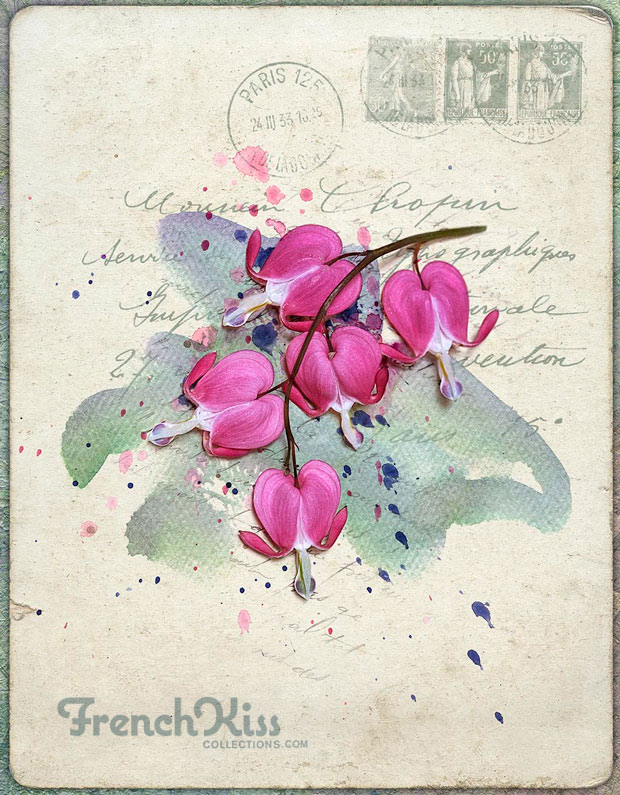
The difference between the Watercolor Spot textures and the Watercolor brushes and overlays with tips and examples.
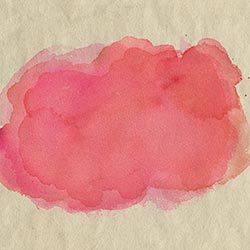
Part 2 of a video tutorial describing how to use the Watercolor Spot Textures with colored backgrounds. Includes a PDF download.
Part 1 of a video tutorial describing how to use the Watercolor Spot Textures with colored backgrounds.

This Ornamental Cabbage image gets a little post-processing love and a texture treatment. I used OnOne’s Perfect Effects filter to add vibrancy. I also extended the canvas with a layer mask.
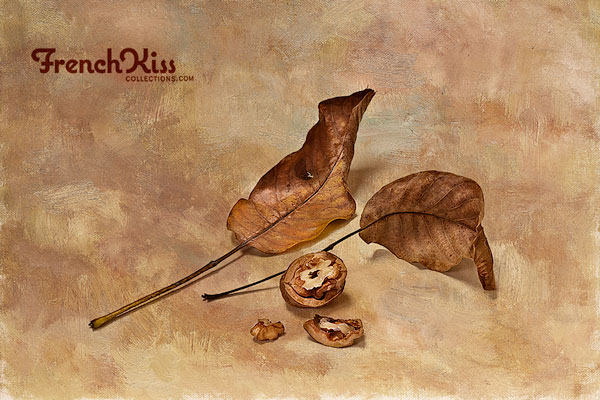
Power tips to give you total control over placing a texture into your image file and using the transform tool in Photoshop and Elements to resize the texture.