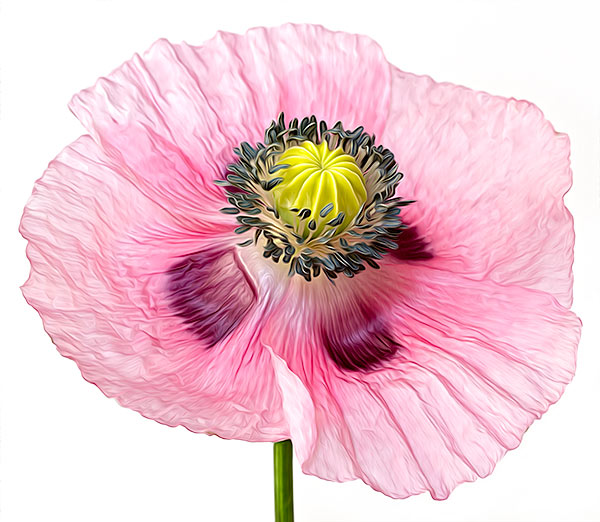
Comparison of the feature changes between the Pixel Bender Oil Paint Filter and the Adobe Photoshop CS6 Oil Paint filter, plus my own “Secret Sauce”.
 French Kiss Collections, photography and design resources and tutorials
Fine Art and Grunge textures for Photoshop and Photography
French Kiss Collections, photography and design resources and tutorials
Fine Art and Grunge textures for Photoshop and Photography

Comparison of the feature changes between the Pixel Bender Oil Paint Filter and the Adobe Photoshop CS6 Oil Paint filter, plus my own “Secret Sauce”.
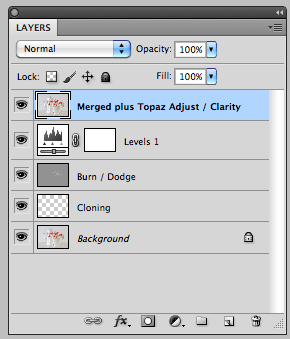
This Photoshop keyboard shortcut will copy all the visible layers and merge them into a new layer. I use this handy shortcut with with nearly every image.

Post-Processing is the secret to getting great images out of your photographs. I share a Before & After from the original RAW file to processing in Lightroom, Photoshop and Finishing with a Topaz Labs filter. I’ve even included my Topaz filter preset as a download.
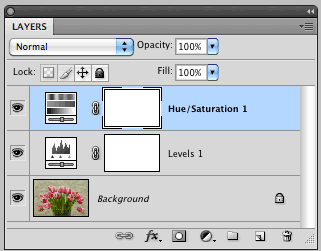
Photoshop’s adjustment layers are an essential part of post-processing. They allow you to make changes such as tonal adjustments to your image non-destructively. This tutorial will give you the basics of working with Adjustment Layers.
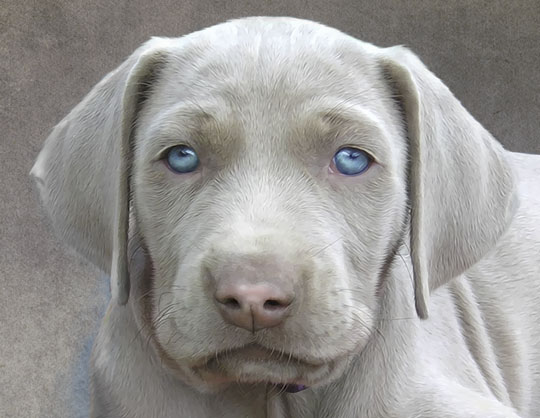
Creating a Weimaraner Puppy Photo Illustration from a snapshot using Adobe Photoshop and Corel Painter.
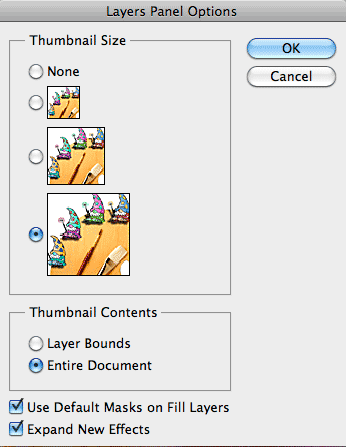
Changing the size of the Layer Panel Thumbnails in Photoshop can make it easier to see your textures.